Did you know that 90% of users churn if onboarding doesn’t deliver immediate value? That’s why having a clear, step-by-step user onboarding checklist is essential. It helps guide new users smoothly from signup to success, ensuring they understand your product’s value fast. In this guide, we’ll cover best practices, real-world examples, and actionable steps to build an onboarding experience that keeps users engaged and coming back.
What is a user onboarding checklist?
A user onboarding checklist is a structured guide that outlines every step a new user should take to understand and get value from a product. It ensures consistency, reduces confusion, and helps users reach key milestones like activation or first success faster. Without a checklist, teams risk missing critical touchpoints, leading to poor engagement and higher churn.
These checklists are especially valuable for digital businesses. For instance, a SaaS onboarding checklist helps new users explore features, solve problems, and experience value faster. This significantly improves your chances of turning them into loyal customers.
Why every SaaS business needs a user onboarding checklist
Don’t view an onboarding checklist as a hassle to ignore. Instead, it’s a time and money saver that helps your SaaS business deliver value faster, boost retention, and streamline team workflows. A well-structured onboarding checklist ensures every new user gets a consistent, positive experience from day one. Here’s why every SaaS company needs one:
Consistent onboarding across teams: A checklist keeps everyone on the same page, so every new user enjoys the same smooth, high-quality experience—no matter who’s handling the process.
Faster user activation: It helps users reach that all-important “aha!” moment faster, reducing early drop-offs and keeping them engaged from the start.
Improved product adoption: By walking users through key features step by step, it ensures they actually explore and appreciate your product’s most valuable tools.
Reduced churn rates: A clear, friendly onboarding process removes confusion, builds confidence, and keeps users from giving up too soon.
Identify friction points quickly: A clear checklist makes it easy to spot where users slow down, get confused, or drop off. This shows your team what to quickly fix to keep the onboarding experience smooth.
Better tracking and optimization: With a defined checklist, teams can easily see where users get stuck, improve the process, and keep engagement high.
Enhanced customer satisfaction: A great first experience sets the tone for everything that follows, helping you earn trust and long-term loyalty.
Scalability for growth: As your SaaS business grows, a checklist keeps onboarding efficient and consistent without overloading your team.
What every user onboarding checklist should have
While onboarding checklists typically vary between businesses, the most effective ones share a few core features that guide users smoothly from signup to success. These essential elements help SaaS companies deliver consistent, engaging experiences that turn first-time users into long-term customers. Here are the key features every checklist should include.
1. Welcome message or onboarding email
A warm, personalized welcome sets the tone for a great first impression. It helps users feel acknowledged and guides them toward their first steps. Include a quick overview, login details, or links to key resources that help new users get started confidently and explore your product faster.
2. Guided product tour
An interactive walkthrough introduces users to your platform’s main features in context. Rather than overwhelming them, it shows relevant tools step by step. This helps users quickly understand how your product works, encouraging early engagement and helping them reach their first “aha!” moment with minimal confusion.
3. Account setup assistance
Clear account setup steps ensure users can easily personalize their profiles, set preferences, or connect integrations. A checklist helps them complete essential tasks without missing key details. This early customization gives users a sense of ownership and gets them ready to use your SaaS product effectively.
4. Feature discovery prompts
Highlight important features gradually instead of showing everything at once. Using tooltips, pop-ups, or progress badges keeps the learning experience light and engaging. Feature prompts introduce users to advanced capabilities as they become more familiar with the product, increasing long-term adoption and satisfaction.
5. Progress indicators
Visual progress bars or checklists show users how far they’ve come and what’s next. This sense of achievement motivates them to complete the onboarding process. Progress tracking also helps your team see where users typically stop, so you can adjust steps to keep them moving forward.
6. Support and feedback touchpoints
Once users complete onboarding, asking for feedback helps you refine the process. Follow-up emails or in-app surveys show users that their opinions matter while helping your team identify friction points. This continuous feedback loop improves onboarding effectiveness and strengthens your user relationships over time.
You should also provide means for users to easily reach your customer support for help if they run into issues. For instance, you can embed help widgets, live chat, or FAQ links inside the app so users can get instant access to answers when needed.
Top 10 user onboarding tools
The best tools have checklists built right in and let you track every step of the onboarding journey. Here are the best user onboarding tools for creating seamless experiences, boosting engagement, and keeping users coming back for more.
1. Flook
Flook makes user onboarding simple and fast with no developers needed. Designed for SaaS teams, it lets you create tooltips, tours, popups, banners, checklists, and slideouts in just a few clicks with its easy Chrome extension.
You can choose when and how each onboarding feature appears to users. They can show up automatically based on what someone clicks, which page they visit, or specific app events, giving you full control over the user experience. Because everything is customizable, Flook can fit naturally into your product’s design.
Even better, Flook is available free forever with basic access. But if you want more features, you can grab a $49 lifetime deal while the product is still in beta.
2. Gist
Gist is an all-in-one onboarding and customer engagement platform that helps businesses guide users to their “aha!” moment with ease. It lets you build interactive product tours, complete with text, images, GIFs, and videos without writing a single line of code. You can customize every detail to match your brand’s look and feel, track engagement in real time, and trigger follow-up actions automatically.
Gist also includes powerful targeting options to deliver onboarding tours to specific user segments. While it doesn’t have a dedicated checklist feature, its interactive tours effectively serve the same purpose, helping users explore, learn, and adopt products faster.
3. Pendo
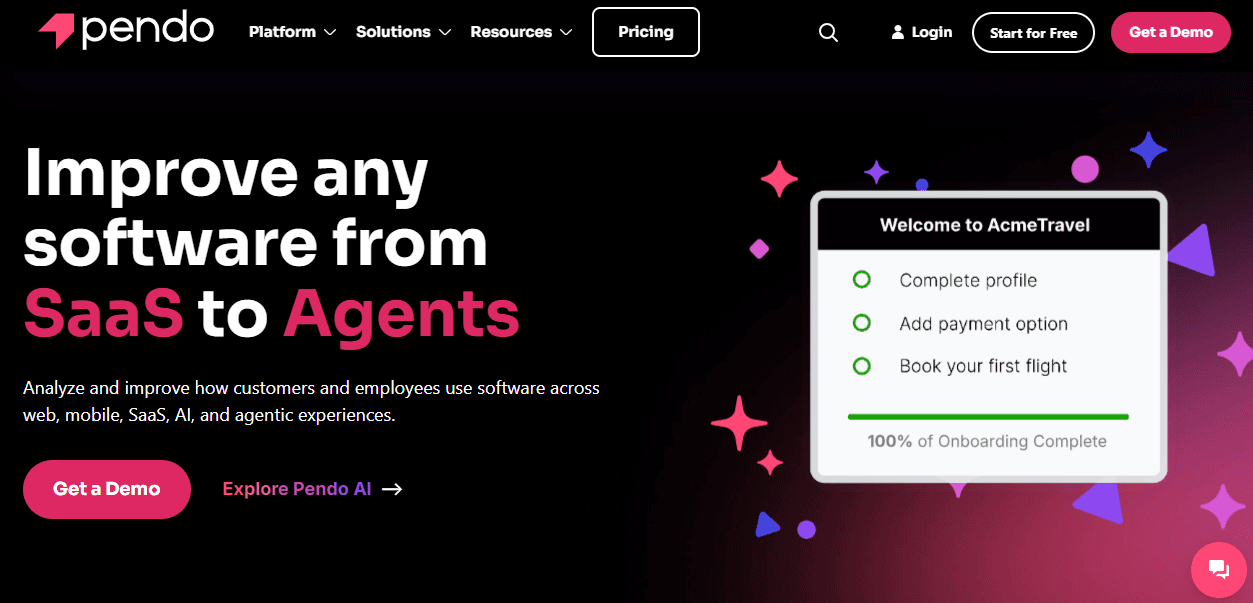
Pendo is a robust onboarding and product experience platform designed to help SaaS and enterprise teams improve user engagement and adoption. Its in-app guides, analytics, and session replays make it easy to spot where users struggle and deliver contextual help exactly when it’s needed.
Pendo also includes onboarding checklists, allowing teams to guide users step-by-step through setup and feature discovery. Beyond onboarding, it offers detailed feedback tools, NPS surveys, and AI-driven insights to optimize the entire user journey. With customizable experiences, powerful automation, and enterprise-grade analytics, Pendo helps businesses boost adoption, reduce churn, and create happier, more productive users.
4. Userlist
This smart onboarding platform helps SaaS teams guide users through tailored journeys with minimal effort. It combines visual workflows, in-app messages, and automated emails to deliver the right content at the right time based on user behavior.
For B2B teams, company-level automation ensures everyone on an account gets the proper guidance. While it doesn’t have a classic checklist feature, Userlist’s behavior-triggered sequences and conversion goals function like a step-by-step roadmap, helping users complete key actions, adopt features, and reach activation efficiently.
5. Customer.io
Customer.io is a flexible onboarding platform that helps businesses create personalized, multi-channel experiences for new users. It combines email, in-app messages, SMS, and push notifications to guide users through key actions at the right moment, reducing friction and boosting engagement.
With a visual workflow builder, triggers, and branching logic, you can automatically adjust messaging based on user behavior, ensuring no one gets irrelevant prompts. While it doesn’t have a traditional checklist, its step-based journeys act like one, nudging users through milestones, celebrating achievements, and optimizing the onboarding process with testing and real-time analytics.
6. WalkMe
WalkMe transforms onboarding into a guided, in-context experience. It overlays on any software, showing users exactly what to do, where, and when, reducing friction and errors.
WalkMe provides real-time guidance, automates tasks, and gives insights into how people work. With workflows that act like interactive checklists, users are guided step by step, with actions reinforced as they go. Add in multi-device support, analytics, and change management tools, and WalkMe helps teams get things done faster, boosting productivity and ROI. It also reduces support costs, making onboarding smoother, smarter, and far less stressful.
7. UserGuiding
UserGuiding makes onboarding effortless with in-app guides, tooltips, and interactive product tours. With workflows that act like checklists, it walks users step by step, ensuring they understand new features, complete key actions, and stay engaged without confusion. Teams can set up, update, and publish content in minutes, giving users a seamless learning experience.
Combined with analytics, segmentation, and a resource center for self-service support, UserGuiding helps teams boost product adoption, reduce support load, and improve user satisfaction, making onboarding smarter, faster, and far less stressful.
8. Chameleon
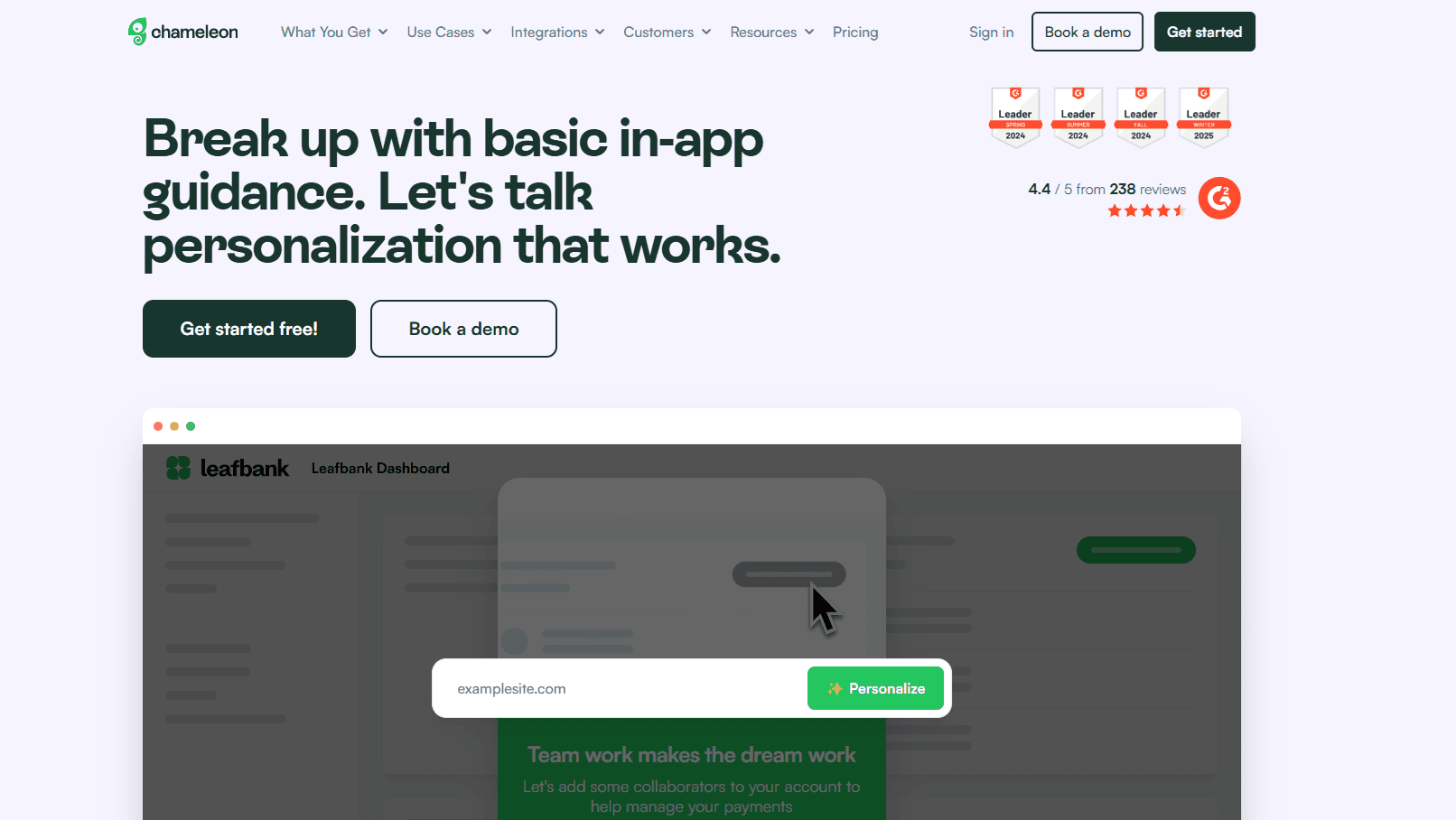
If you want hassle-free user onboarding, try Chameleon. Teams use it to create interactive tours, surveys, and demos in record time, even before users sign up. With workflows that act like step-by-step checklists, users are guided to key actions and the “aha” moments faster, while A/B testing and analytics show what truly drives adoption and growth.
The Campaign Kit feature turns one walkthrough into multi-channel content, keeping teams aligned. Experiences are fully branded, native, and unobtrusive, appearing only when needed. Lastly, enterprise-grade security is built in, protecting data and systems, so teams can focus on adoption without worry.
9. Ortto
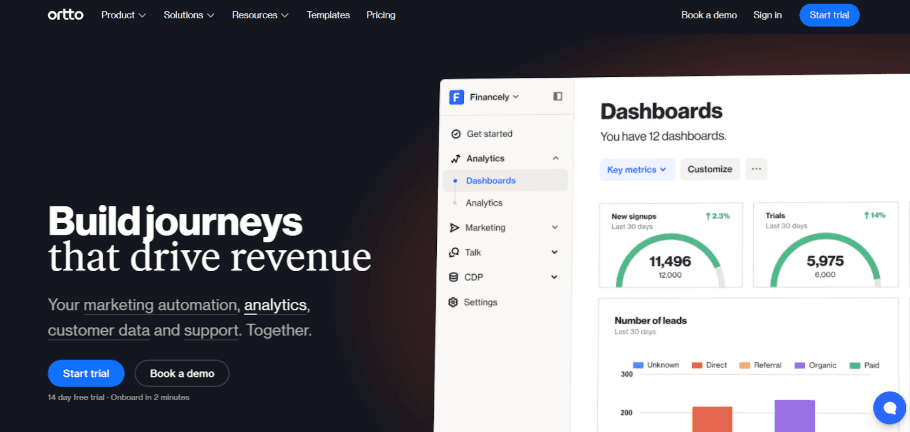
Fast-growing startups and SaaS companies can optimize customer engagement with Ortto. By combining marketing automation, customer data, and analytics in one platform, it helps teams design personalized journeys that drive conversions and retention.
Email, SMS, push, and in-app messaging reach the right users at the right time, while no-code integrations keep data flowing seamlessly. Campaigns can be launched, tracked, and optimized quickly, making complex workflows manageable. Lastly, AI-driven insights help you grow efficiently, boost user engagement, and scale marketing efforts.
10. Heap
Heap has earned top recognition, including G2’s Top 100 Best Software and TrustRadius’ Top Rated Product Analytics Tool. These awards are in part thanks to Heap’s customer onboarding tool, which automatically captures every user interaction and delivers actionable insights to teams.
The platform tracks digital journeys in real time, spots friction points, and helps teams optimize conversion, retention, and adoption. With session replay and data-driven recommendations, Heap gives businesses a clear view of user behavior, making onboarding and product experience improvement faster, smoother, and more effective.
How to create an effective user onboarding checklist with Flook
While customer onboarding varies between businesses, a well-structured checklist ensures every new user has a positive experience that minimizes the risk of churn. Here’s how to create a user onboarding checklist that works with the help of Flook.
Install Flook’s Chrome extension: Getting started is fast and simple. Add the Flook Chrome extension and link it to your product (no coding skills required). This lets your team launch a fully functional onboarding checklist immediately, without waiting for developer resources. Once active, Flook integrates seamlessly into your app, allowing you to build, edit, and manage checklists directly within the interface.
Identify critical user actions: A checklist only works if it focuses on meaningful steps. Determine the actions that deliver value most quickly, such as account setup, connecting key tools, or completing an initial core task. Prioritize steps that drive user activation, engagement, and long-term retention.
Build your checklist: Design a clear, actionable, and goal-oriented checklist. Each item should guide users toward achieving a tangible result. Flook lets you link tasks to in-app actions, so users always know what to do next. Keep it simple while covering all essential steps for success.
Automate progress tracking: Manual check-offs slow down adoption. Flook automatically marks tasks as complete when users perform the associated in-app actions. This real-time tracking keeps users engaged, reduces friction, and gives teams instant visibility into onboarding progress.
Test, gather feedback, and optimize: Onboarding should evolve. Monitor task completion rates and identify where users drop off. Refine task descriptions, adjust sequencing, or break complex steps into smaller actions. Use insights from Flook’s analytics to optimize the checklist and help more users reach activation, improving overall adoption and long-term retention.
Best practices for your user onboarding checklist
A well-designed onboarding checklist can make or break the user experience. To get it right, focus on guiding users step by step while keeping things intuitive and friction-free.
Prioritize key actions: Start by identifying the critical tasks that help users experience your product’s value quickly. These are often actions like setting up an account, connecting essential tools, or completing the first core action. Avoid overwhelming users with too many steps upfront. Instead, focus on what drives activation and long-term engagement.
Keep it clear and actionable: Each item on your checklist should be easy to understand and directly tied to a user goal. Use concise language and actionable instructions. Users shouldn’t have to guess what to do next; clarity reduces frustration and boosts completion rates.
Link tasks to in-app actions: Wherever possible, integrate your checklist with actual in-app behaviors. This allows tasks to be automatically marked complete when users perform the action. It removes extra steps, keeps users engaged, and gives a sense of accomplishment as they progress.
Make it visually intuitive: An app onboarding checklist should be easy to scan at a glance. Use progress indicators, checkmarks, and consistent formatting to show what’s done and what’s next. Visual cues help users stay on track without feeling lost or overwhelmed.
Analyze and iterate: Onboarding is never one-and-done. Track which steps users complete and where they drop off. Analyze the data, refine task order or wording, and break larger actions into smaller, manageable steps. Iteration ensures your checklist evolves with your users and product.
Use in-app guidance or tooltips: Supplement your checklist with interactive guidance, like tooltips or pop-ups, to show users where to click or what to do. This creates a seamless experience by reinforcing steps in the context of your product, helping users complete tasks faster.
Personalize onboarding based on behavior: Users have different goals, roles, and experience levels. Tailor checklists, tooltips, and product tours based on completed actions, role, or signup intent. Conditional checklists and targeted prompts guide users toward what matters most for them, helping them reach their version of “value” faster.
Use microcopy, visuals, and gamification: Short, helpful text in buttons, tooltips, and empty states reduces confusion. Visual cues, icons, and illustrations guide attention and simplify tasks. Gamification—progress bars, badges, or celebration animations—keeps users motivated and makes onboarding feel playful rather than tedious.
Let users do instead of just read: Learning happens through action. Encourage users to interact with features instead of only reading instructions. Highlight first wins, trigger tooltips after specific actions, and walk users through tasks step by step. Hands-on experience accelerates understanding and engagement.
User onboarding examples
Different types of platforms approach onboarding differently. Here are some popular types and one company in each sector that does it right:
SaaS platforms
Slack’s onboarding works because it’s fast, interactive, and context-driven. From the moment users sign up, Slack encourages hands-on engagement, guiding them to send messages, create channels, and explore integrations right in the app. Tooltips, pop-ups, and interactive checklists highlight key features without overwhelming newcomers.
The platform also personalizes onboarding based on user role and team structure, showing relevant workflows and shortcuts. By combining clear microcopy, visual cues, and immediate wins, Slack helps users experience value quickly. This approach reduces confusion, builds confidence, and drives early adoption, making Slack intuitive and sticky from day one.
Ecommerce brands
Amazon’s onboarding excels because it’s simple, guided, and instantly rewarding. New users can start exploring products and even add items to their carts before creating an account, removing barriers to engagement. Step-by-step prompts, personalized recommendations, and behavioral cues, like highlighting trending products or past searches, make browsing feel relevant and intuitive.
With clear navigation, concise microcopy, and helpful tooltips, Amazon ensures users quickly find value without frustration. Also, by letting customers interact with the platform before committing, Amazon turns onboarding into action, building trust, confidence, and long-term engagement from the very first visit.
Mobile apps
Duolingo’s onboarding works because it’s engaging, interactive, and personalized from the start. New users are guided through a short, gamified tutorial that immediately lets them practice reading, writing, and speaking in their chosen language. The platform uses micro-goals, streaks, and visual cues to create a sense of achievement, motivating learners to continue.
Personalized lesson paths adapt to skill level and progress, so users feel challenged but not overwhelmed. By combining immediate practice, clear feedback, and playful design, Duolingo makes onboarding feel like starting a game, turning first-time learners into committed users quickly and effortlessly.
Common user onboarding checklist mistakes to avoid
Onboarding mistakes can leave users confused, frustrated, or worse, disengaged before they’ve even started. Here are some common onboarding missteps to avoid:
Overwhelming new users with too much information: Dumping every feature and tip at once can confuse users. Break onboarding into small, digestible steps that highlight only what’s essential for first-time success.
Skipping personalization: Users have different roles, goals, and experience levels. Tailor the onboarding journey to each user’s behavior, plan type, or role to help them find value faster and feel understood.
Not measuring onboarding performance: Without tracking completion rates, drop-offs, or feature adoption, you won’t know what’s working. Use data to refine flows, remove friction, and improve overall user success.
Failing to follow up post-onboarding: Once the initial setup is done, users can feel unsupported. Send gentle reminders, in-app tips, and guidance to keep them engaged and ensure continued value.
Long or mandatory sign-ups before showing value: Amazon gets this right by letting users browse and add items to the cart before creating an account. Delay friction until users see benefits. Use guest access, email-only sign-ups, or value-first tours.
No feedback loop: If users hit friction and can’t report it, onboarding fails silently. Use in-app microsurveys, feedback prompts, or live support to collect insights and iterate.
Too many permissions upfront: Asking for location, notifications, or contacts too early creates friction. Earn trust first, request permissions gradually, and explain their relevance at the right moment.
FAQs
What should I include in a user onboarding checklist?
A good checklist highlights essential actions that help users experience value quickly. Include steps like account setup, key feature activation, first meaningful action, and any integrations needed. Keep items clear, actionable, and tied directly to user goals.
How long should an onboarding checklist be?
Focus on quality over quantity. A checklist should guide users through critical steps without overwhelming them. Typically, 5 to 7 key actions work best, with optional advanced steps for power users. Always test and adjust based on completion rates and feedback.
How can I track checklist completion effectively?
Use automated tracking tools like Flook, which mark tasks complete as users perform them. This eliminates the friction of manual check-offs, provides real-time insights on progress, and highlights where users drop off. With this data, you can optimize your onboarding flow for faster activation and higher retention.
Looking for an easier way to create a user onboarding checklist for new users? Check out Flook.
Previous post: