The 11 Best User Onboarding Checklist Software for SaaS Brands
Last updated on Thu Jan 29 2026
Reducing churn by just 5% can help companies increase profits by 25 to 95%. Optimized onboarding has consistently shown strong results in cutting churn and improving customer retention by up to 50%.
For SaaS businesses, onboarding is where long-term customer relationships are either built or broken. A clear, guided onboarding experience helps users reach their “aha” moment faster, understand core features, and see real value early. That’s where user onboarding tools come in.
In this guide, we’ve rounded up the best user onboarding checklist software for SaaS solutions. These tools can help you guide new users step by step, reduce drop-offs, and turn first-time sign-ups into engaged, loyal customers. And the best part — most of these tools don’t require coding skills.
What is user onboarding checklist software?
User onboarding checklist software is a tool that helps SaaS companies guide new users through key setup and learning steps inside a product. It uses interactive checklists to show users what to do next, so they reach value faster.
These tools typically help with:
Guiding users through core features step by step
Reducing confusion and early drop-offs
Improving activation, retention, and product adoption
Tracking onboarding progress and completion rates
In short, user onboarding checklist software ensures new users don’t feel lost. It also helps turn sign-ups into engaged, long-term customers. Without user onboarding tools, yourSaaS product may struggle with low user engagement, higher churn, and users failing to experience your product’s real value.
How to pick the right user onboarding checklist tool
Choosing the right user onboarding checklist software can have a direct impact on activation, retention, and long-term growth. Here’s what to look for to pick the right tool for your goals:
Ease of setup and use: Choose software that’s simple to install and manage. If it requires heavy setup or constant developer help, it’ll slow your onboarding efforts.
No-code or low-code flexibility: Look for tools that let product and growth teams build checklists, tours, and prompts without writing code.
Customizable onboarding checklists: The right tool should let you tailor checklist steps to different user roles, plans, or use cases.
User segmentation and targeting: Make sure you can show different checklists to new users, power users, or returning users based on behavior.
Progress tracking and analytics: Choose a tool that shows completion rates and drop-off points so you can improve your onboarding flow over time.
Performance and reliability: The software shouldn’t slow down your app or break core functionality.
Scalability as you grow: Pick a solution that can support more users, features, and onboarding flows as your SaaS expands.
Transparent pricing and support: Clear pricing and responsive support help avoid surprises and keep onboarding running smoothly.
The top user onboarding checklist software
Let's dive into the top tools. First, we offer a comparison table for a side-by-side look, then we dive into the details for each tool.
Features | Best for | No-code | Free plan | |
|---|---|---|---|---|
Flook | Checklists, tooltips, tours, popups, banners, slideouts, visual theming | Early-stage SaaS teams wanting fast setup | Yes | Yes |
WalkMe | Real-time in-app guidance, task lists, validation, alerts, self-service help | Large enterprises with complex software | No | No |
Supademo | Interactive demos, onboarding checklists, AI voiceovers, analytics | Sales, marketing, and product teams | Yes | Yes |
Chameleon | Checklists, walkthroughs, nudges, segmentation, A/B testing, analytics | Growth-focused SaaS teams | Yes | Yes |
Userguiding | Checklists, tooltips, modals, surveys, resource centers, analytics | SMBs and mid-market SaaS | Yes | Yes |
Appcues | Checklists, in-app flows, surveys, announcements, analytics | Scaling SaaS teams | Yes | No |
Userpilot | Checklists, tours, tooltips, banners, surveys, segmentation, analytics | Data-driven SaaS teams | Yes | No |
Pendo | Checklists, guides, analytics, session replay, feedback | Mid-market to enterprise SaaS | Partially no | Yes |
UserTour | Checklists, product tours, surveys, personalization, analytics | Dev-friendly teams wanting control | Yes | Yes |
Intro.js | Step-by-step tours, basic checklists, UI highlighting | Developers building custom onboarding | No | Yes |
Stonly | Decision-based guides, checklists, AI knowledge, analytics | Support-heavy SaaS & enterprises | Yes | No |
1. Flook
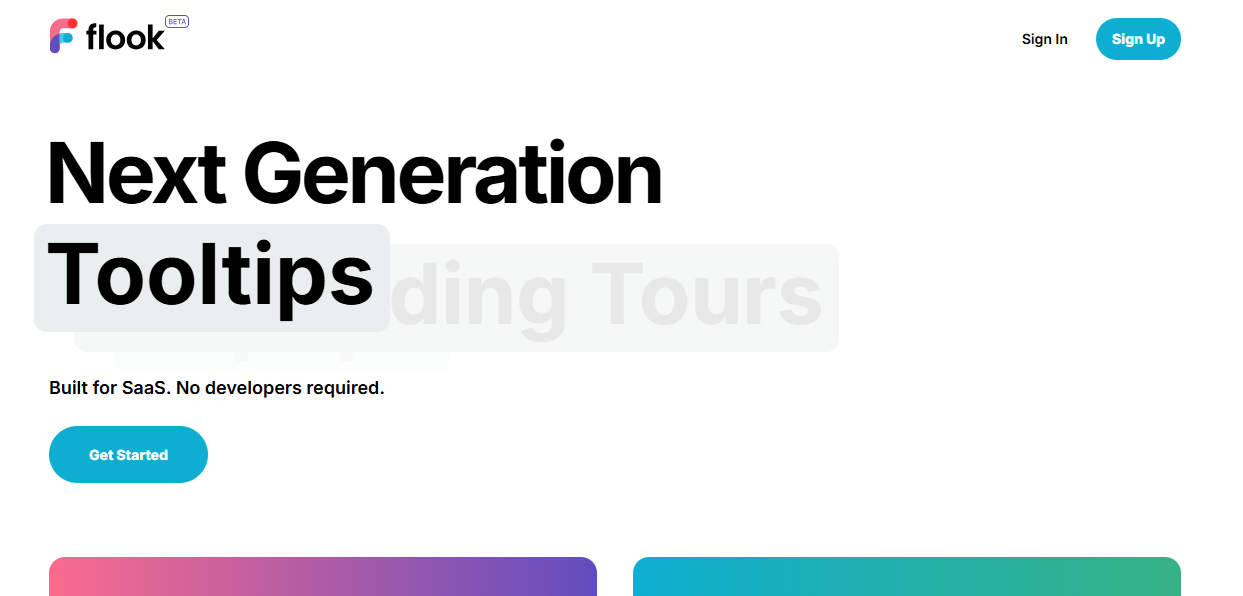
Flook stands out as one of the best user onboarding checklist tools because it’s built specifically for SaaS teams that want fast results without developer dependency. It’s a fully no-code solution that lets product and growth teams launch onboarding checklists, tooltips, tours, popups, banners, and slideouts in minutes.
With Flook, you can guide users step by step, highlight key features, and drive early engagement, all without touching code. Its simple setup, flexible triggers, and customizable UI make it easy to match your product’s design.
Features:
Chrome-based builder for creating onboarding flows directly inside your live product
Multi-page onboarding tours that guide users across different screens and app states
Onboarding checklists that drive task completion and reduce early drop-off
Customizable tooltips using ready-made templates or fully tailored designs
Event-, URL-, and API-triggered popups for timely, contextual messaging
Slideouts to announce new features, updates, or promotional campaigns
Sticky banners for alerts, special offers, or scheduled maintenance notices
Full visual theming to match your product branding (no CSS or coding required)
Pros and cons:
Flook is fast, no-code, and easy to use for SaaS onboarding, but advanced analytics and deep segmentation options may feel limited for larger, data-heavy teams.
Integrations:
Flook integrates with web apps via its Chrome extension, supporting e‑commerce, analytics, CRMs, dashboards, and embeds in WordPress, Intercom, or Slack for no‑code onboarding flows.
Pricing:
Flook is available for free or a one-time $49 lifetime deal while in beta. This includes unlimited access to all core features with no usage caps or monthly fees.
2. Walkme
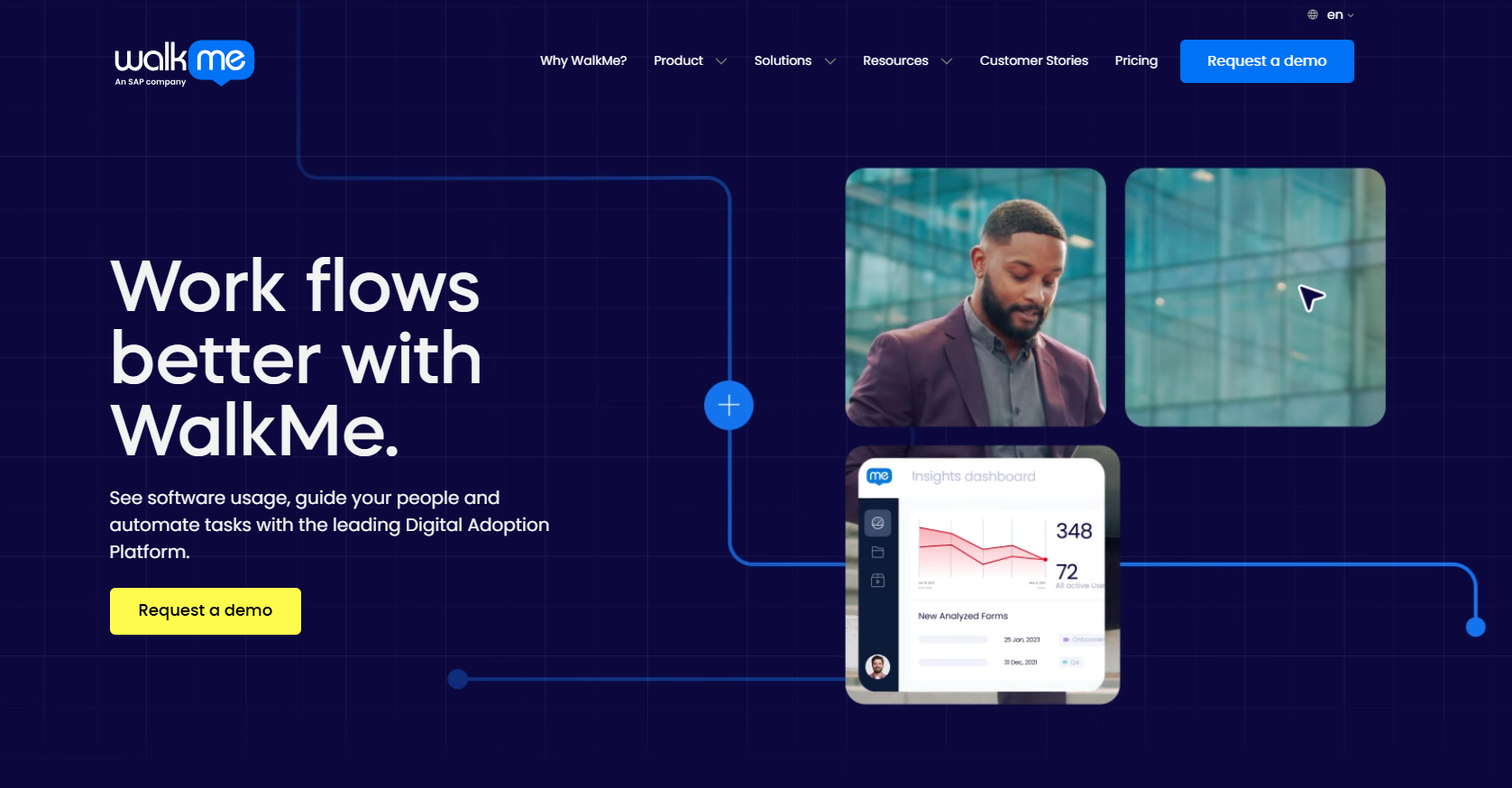
WalkMe’s in-app guidance feature turns onboarding checklists into hands-on, real-time help inside the product. Instead of showing users what to do and leaving them on their own, WalkMe guides them step by step with tooltips, visual cues, and task lists that appear as they work.
The guidance adapts to different user paths, so people can complete tasks in their own way without getting stuck. WalkMe also helps prevent mistakes with built-in validation and alerts users to important actions through branded in-app notifications. Combined with self-service help, this makes onboarding feel supportive, not overwhelming, and helps users reach value faster.
Features:
In-app tooltips and visual cues to guide users through tasks in real time
Onboarding task lists that help users complete key workflows step by step
Conditional logic that adapts guidance to different user paths and behaviors
Error prevention and validation safeguards at the point of data entry
Real-time in-app notifications to drive important actions and reminders
Self-service support through a natural language chat interface
Contextual guidance that works inside existing workflows without disruption
Scalable digital adoption tools designed for complex enterprise software
Pros and cons:
WalkMe’s onboarding checklist software boosts efficiency with real-time guidance and error prevention, but high costs, complex setup, and ongoing maintenance can make it challenging for teams without dedicated resources.
Integrations:
WalkMe integrates with 100+ apps, including SAP, Salesforce, Workday, and Microsoft 365, providing contextual onboarding, analytics, and role-based guidance across enterprise workflows.
Pricing:
Custom quotes are available on request.
3. Supademo

If you want to onboard users quickly and effectively, Supademo acts as onboarding checklist software by turning your product into interactive, step-by-step demos. Instead of static guides or long manuals, it lets you create guided HTML, sandbox, screenshot, or video demos that show users exactly how to complete tasks.
You can add AI-powered voiceovers, translations, conditional branching, custom forms, and dynamic variables to personalize the experience. Supademo tracks viewer engagement, drop-offs, and completion rates, giving teams actionable insights. By embedding these interactive demos in-app or on websites, this onboarding checklist tool ensures users follow every step, reducing confusion and boosting adoption.
Features:
Guided HTML, sandbox, screenshot, and video demos to show users step-by-step workflows
AI-powered personalization with dynamic variables, conditional branching, voiceovers, and translations
Interactive onboarding checklists to ensure users complete key tasks
Custom forms, chapters, and CTAs for tailored guidance and engagement
Trackable links and in-app triggers for onboarding tours and demo distribution
Advanced analytics to monitor engagement, drop-offs, and completion rates
Team workspaces to collaborate, organize, and share demos across departments
Fast deployment and modular content for easy updates and maintenance without re-recording
Pros and cons:
Supademo makes creating interactive demos fast and intuitive, helping teams guide users through workflows. It offers effortless setup, AI personalization, and improved engagement. However, cons include limited fine-tuning options and some advanced editing constraints.
Integrations:
Supademo integrates with CRMs, analytics, support tools, knowledge bases, websites, and digital sales rooms, enabling interactive demos, tracking, and seamless onboarding across existing workflows.
Pricing:
Supademo pricing starts with a free Starter plan, Scale at $38/month per creator, Growth at $350/month for five creators, and custom Enterprise plans for larger teams.
4. Chameleon
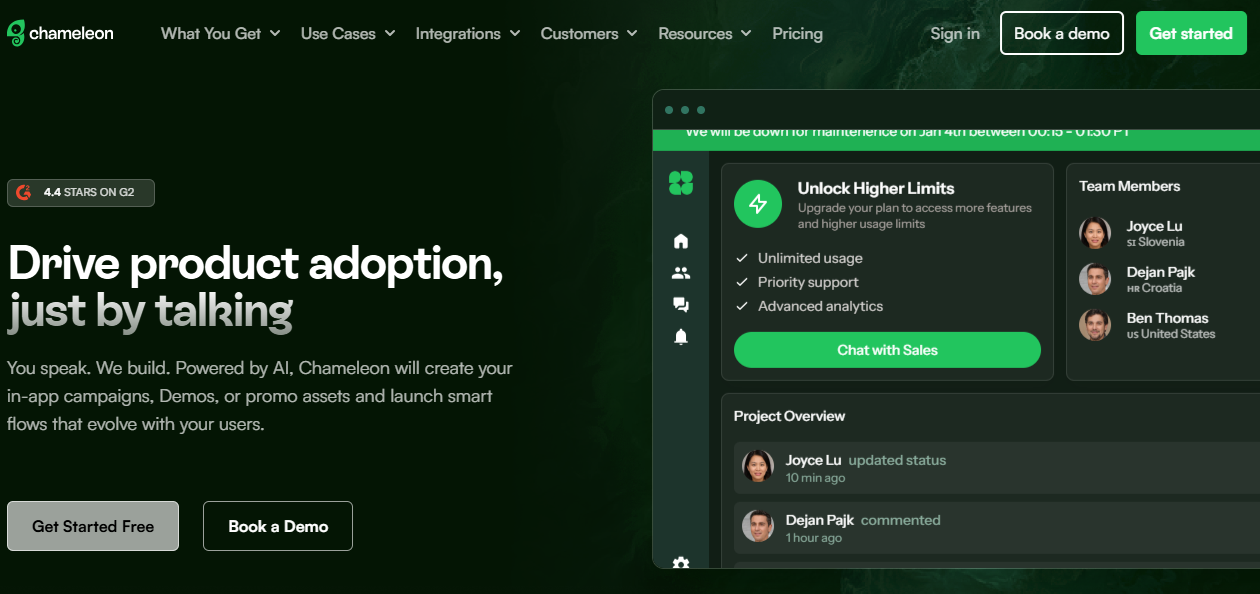
If you want to streamline user onboarding without overwhelming your users, Chameleon is the ideal checklist software. It enables you to build interactive, in-app checklists, walkthroughs, and contextual nudges that guide users step by step. Using AI, Chameleon personalizes experiences based on user behavior, showing the right message at the right moment.
Teams can easily group users, set up repeatable steps, and create branching flows for different audiences. Chameleon’s built-in analytics and A/B testing show what’s working, while 30+ integrations make sure insights seamlessly fit into your workflow.
Features:
User segmentation for personalized onboarding experiences
Recurrence rules to control how often tours or checklists appear
Branching flows to deliver different experiences to different audiences
Built-in analytics to track engagement and completion
A/B testing to optimize tours and nudges
Smart delays to trigger experiences at the right moment
AI-powered content generation and personalization
In-app alerts and notifications for incomplete or unseen experiences
Pros and cons:
This onboarding checklist tool offers flexible, intuitive onboarding with strong segmentation, native-feeling experiences, robust analytics, A/B testing, and 30+ integrations, but has a steeper learning curve.
Integrations:
It integrates with analytics, CRMs, feature flags, and data tools, enabling real-time triggers, personalized experiences, and seamless workflow insights.
Pricing:
You can get Chameleon free for unlimited demos, or choose Startup from $279/month, Growth from $15K/year, and Enterprise with custom pricing.
5. UserGuiding
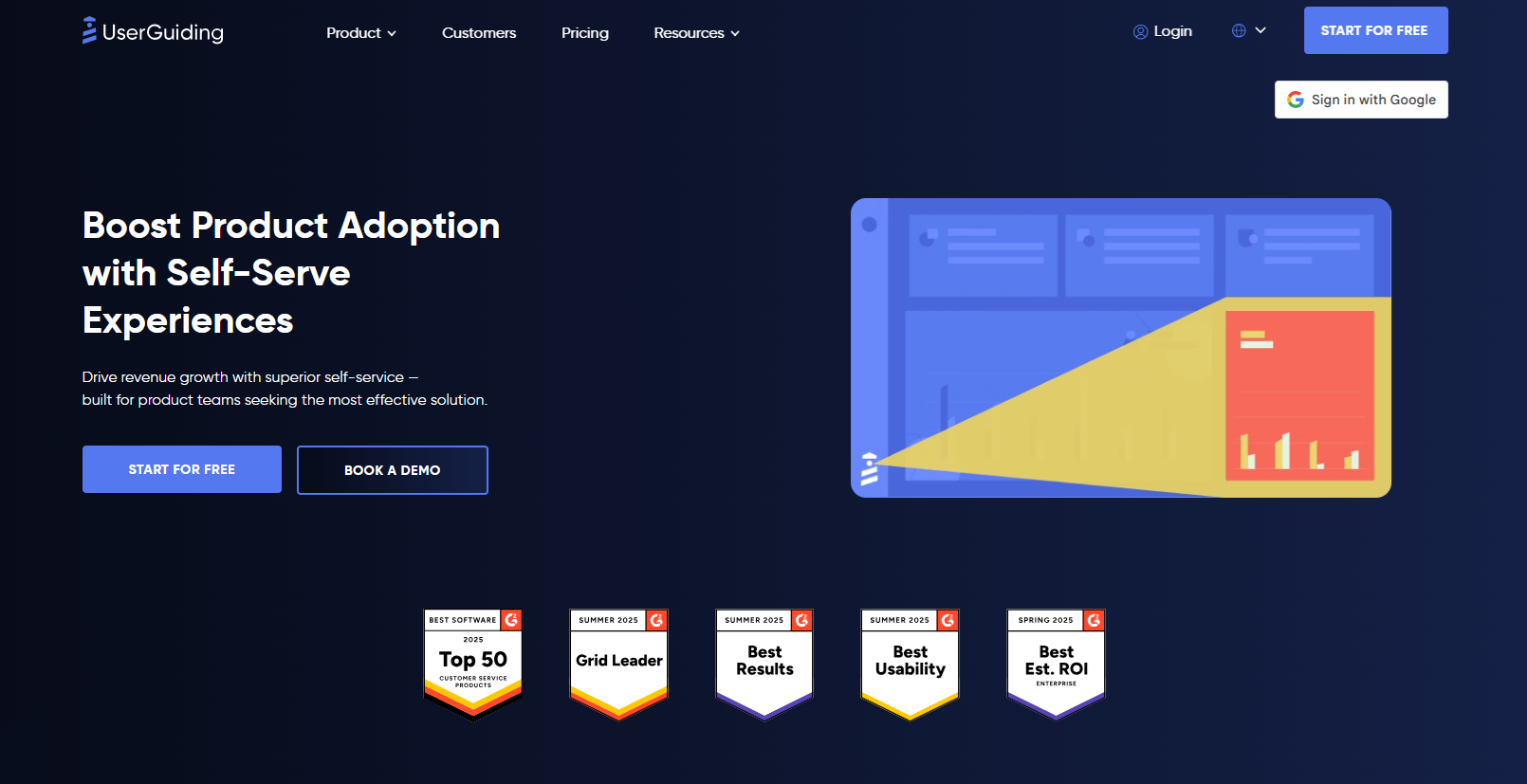
UserGuiding works as an onboarding checklist tool by letting product teams create, manage, and optimize in-app experiences without coding. Using its Chrome Extension, teams can quickly build full onboarding flows with modals, tooltips, hotspots, and announcement banners, guiding users through key actions step by step.
Checklists help new users complete essential tasks, while feature adoption campaigns highlight underused functionality. Segmentation and personalization ensure users see relevant content, and built-in analytics and in-app surveys measure engagement and feedback. Teams can also integrate support through Knowledge Bases or AI assistants, making onboarding self-serve, scalable, and data-driven for better adoption.
Features:
Quick, no-code setup via Chrome Extension for fast onboarding flow creation
Interactive checklists guiding users step by step through product tasks
Feature adoption campaigns to highlight underused functionality
In-app surveys and NPS collection to gather user feedback instantly
Segmentation and personalization for tailored user experiences
Analytics dashboards to track engagement, completion, and adoption metrics
Knowledge Base and Resource Centers for self-service support
AI Assistant offering 24/7 in-app multilingual help
Pros and cons:
UserGuiding makes onboarding simple with intuitive checklists, modals, tooltips, analytics, and self-service help, but limited mobile support, customization, and some feature restrictions can frustrate power users.
Integrations:
UserGuiding integrates seamlessly with your existing tech stack, connecting to CRMs, analytics tools, product platforms, and communication apps. This lets you trigger onboarding flows, personalize experiences, and track performance without switching tools.
Pricing:
You can get UserGuiding starting with a Free plan for basic help centers, then Starter at $174/month or Growth at $349/month, billed yearly, scaling with your active users.
6. Appcues
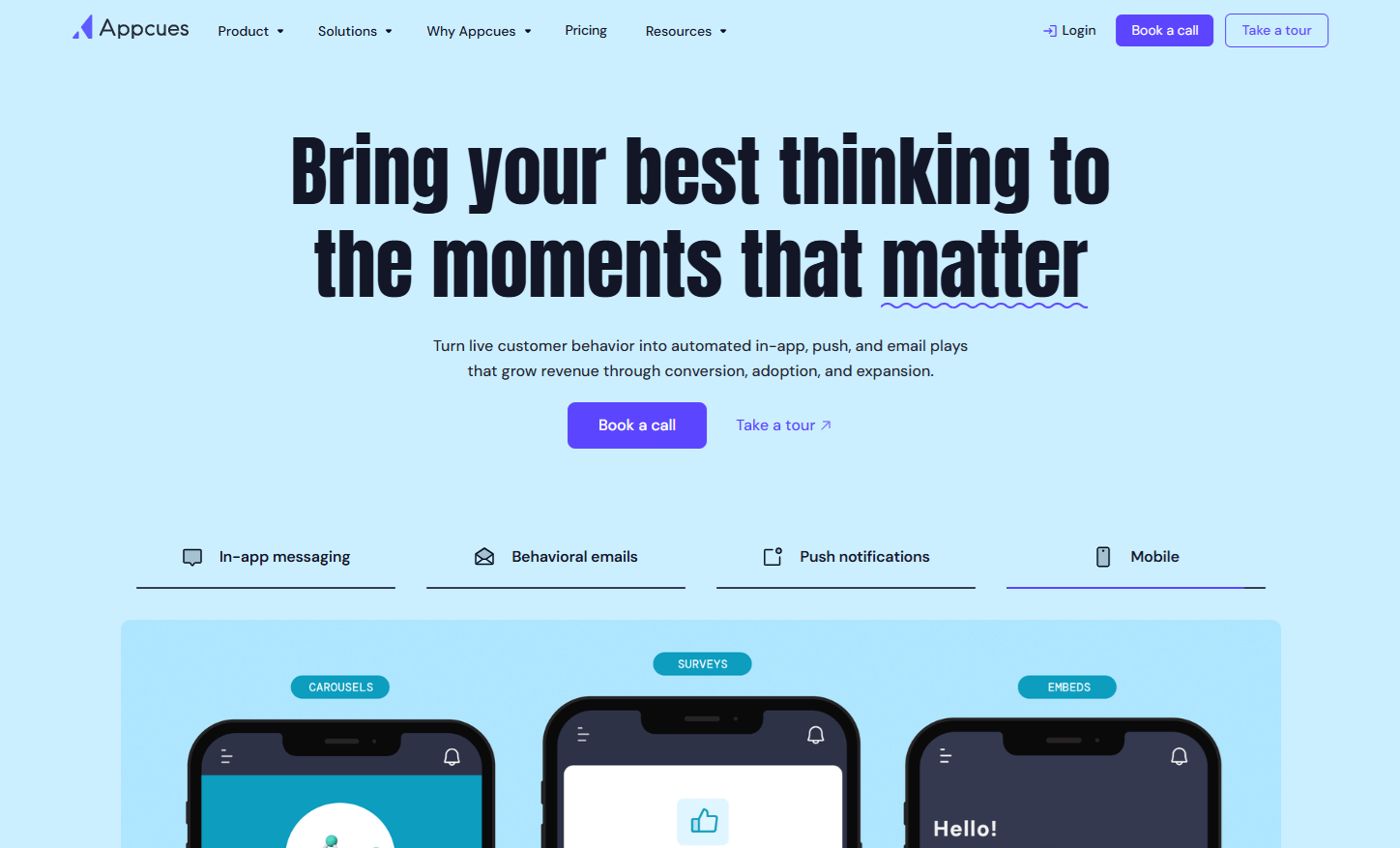
Brands use Appcues as an onboarding checklist tool by creating step-by-step in-app guides that lead users through key actions. They build personalized checklists, tooltips, and modals to highlight important features, ensuring new users complete essential tasks and reach their “aha” moments.
Checklists update in real time, letting users track progress and stay engaged. Companies also combine these flows with NPS surveys, announcements, and resource centers to educate users, collect feedback, and reduce support requests—all without leaving the product. Appcues lets brands target users based on actions or traits and measure completion, clicks, and adoption to optimize onboarding efficiency.
Features:
Interactive onboarding checklists updating in real time to guide users step by step
Customizable in-app flows directing users through important actions and milestones
Contextual tooltips educating and engaging users directly in the UI
Targeted announcements highlighting feature launches or key updates
In-app surveys capturing feedback when responses are most likely
NPS tracking to monitor customer satisfaction without leaving the product
Behavioral targeting to show messages based on user actions, timing, or traits
Analytics dashboards measuring views, clicks, completions, and conversions in one place
Pros and cons:
Users praise Appcues for its intuitive interface, easy setup, and flexible onboarding flows that boost engagement and feedback. Strong customer support enhances adoption, but mobile localization, notifications, and initial setup can be limiting.
Integrations:
Appcues integrates with analytics, CRMs, CDPs, marketing tools, collaboration apps, support systems, and webhooks, letting brands personalize onboarding, trigger flows from real-time data, sync user insights, and measure adoption seamlessly.
Pricing:
You can get Appcues from $300/month for startups, $750/month for growing teams, with Enterprise offering custom pricing, more licenses, features, and premium support.
7. Userpilot
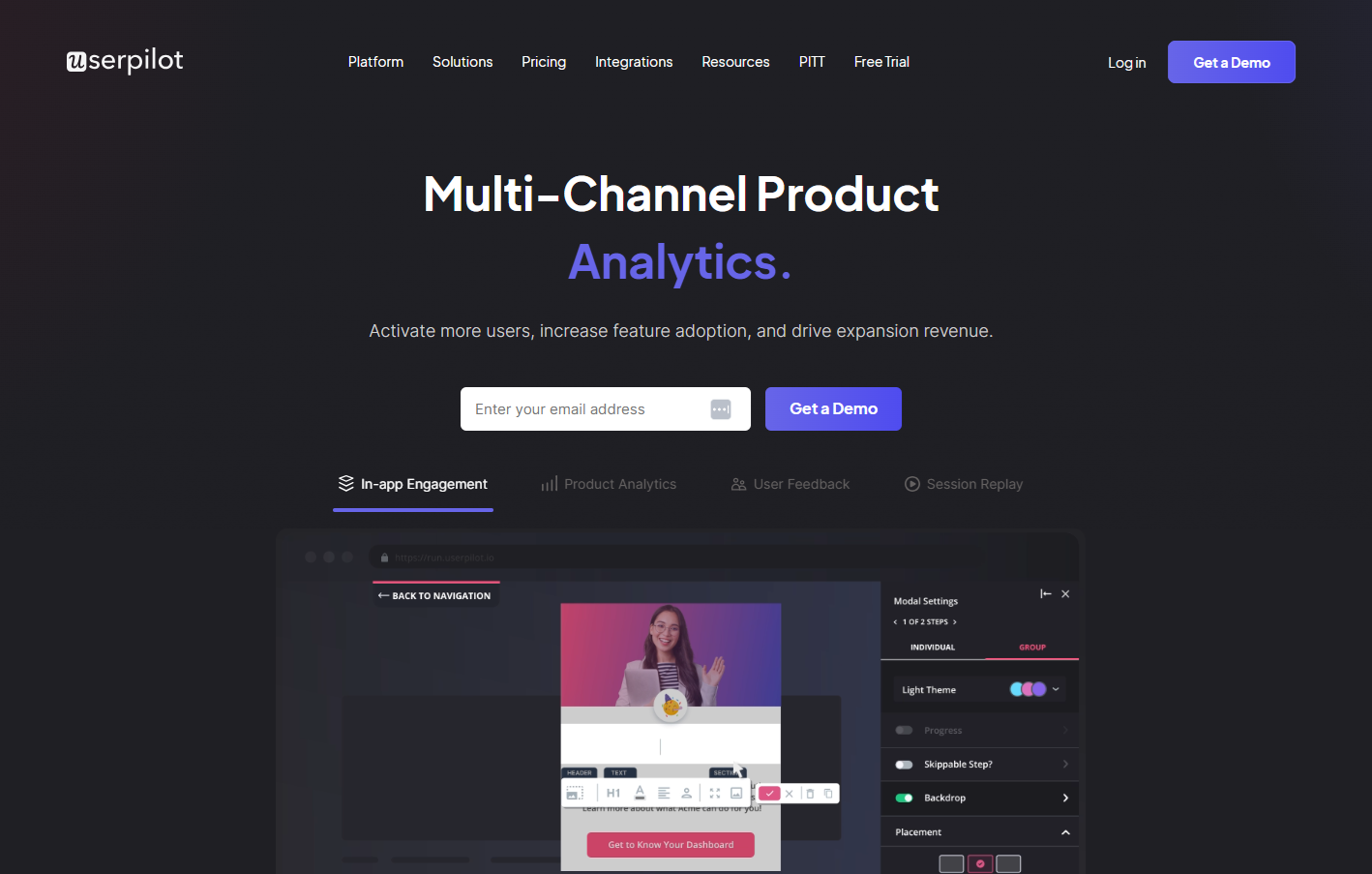
SaaS companies leverage Userpilot to streamline user onboarding and boost product adoption by creating interactive, no-code in-app experiences. At the heart of this is the onboarding checklist, which guides users step by step through critical tasks, helping them quickly understand and engage with the product.
Companies also use product tours to walk users through key workflows, tooltips to provide contextual guidance, and banners to announce updates or highlight features. With granular segmentation, teams can tailor experiences to each user’s role, plan, or behavior, making interactions feel relevant and engaging. Analytics and feedback then show how users interact, helping teams fine-tune onboarding for better adoption.
Features:
No-code Product Tours to guide users through key product actions
Onboarding Checklists to help users complete important tasks step by step
Tooltips and Banners for contextual guidance and announcements
Resource Center to centralize in-app content and on-demand support
Granular Segmentation for personalized experiences based on role, plan, or behavior
Analytics dashboards to track engagement, completion, and feature usage
In-app Surveys to collect real-time feedback and insights
Data-driven Optimization to improve onboarding flows based on analytics and survey results
Pros and cons:
Userpilot is valued for its intuitive design, easy setup, helpful support, and robust analytics that streamline onboarding and in-app guidance, though some users note a learning curve and limited customization options.
Integrations:
This user onboarding checklist software integrates with tools like HubSpot, Salesforce, Segment, Google Tag Manager, Zendesk, Intercom, Google Analytics, Amplitude, Mixpanel, and Heap, plus Webhooks and APIs for real-time data syncing and analysis.
Pricing:
Userpilot pricing is based on Monthly Active Users and scales with growth. Starter begins at $299/month for up to 2,000 MAUs, Growth adds advanced analytics and engagement features, and Enterprise offers custom solutions.
8. Pendo
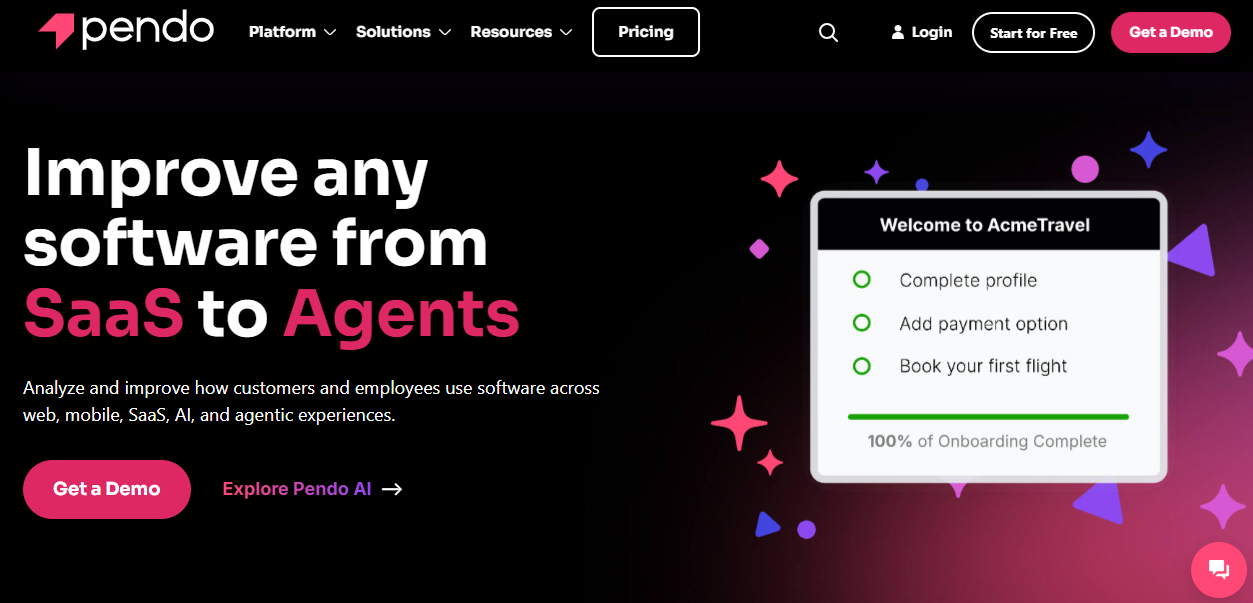
Pendo functions as a powerful onboarding checklist tool by combining in-app guidance, analytics, and user feedback to ensure smooth product adoption. Its Guides feature allows teams to create step-by-step checklists, tooltips, and walkthroughs directly within the product, helping new users complete critical tasks without leaving the interface. These checklists are highly contextual, appearing exactly when and where users need guidance, which reduces confusion and accelerates activation.
Additionally, segmentation and orchestration enable personalized checklists based on user behavior, role, or plan, making the onboarding experience relevant for different audiences. Feedback collected through in-app surveys feeds directly into product insights, allowing teams to iterate on flows quickly.
Features:
In-app checklists and guides to lead users step by step through key tasks
Tooltips and walkthroughs providing contextual guidance directly in the product
Banners and announcements for feature launches or important updates
Session replay to see user interactions and optimize onboarding flows
Product analytics tracking engagement, completion, and feature usage
User feedback collection via in-app surveys and NPS prompts
Segmentation and personalization for targeted onboarding based on role, plan, or behavior
Data sync and integrations to connect Pendo insights with other tools
Pros and cons:
Pendo’s pros include deep insights, seamless engagement tracking, and excellent support, while cons involve a steep learning curve, setup complexity, and premium pricing.
Integrations:
It integrates with CRMs, marketing tools, collaboration apps, analytics platforms, and support systems. This enables seamless data sync, user tracking, in-app guidance, and insights across tools like Salesforce, HubSpot, Segment, and Zendesk.
Pricing:
Custom quotes are available on request.
9. UserTour
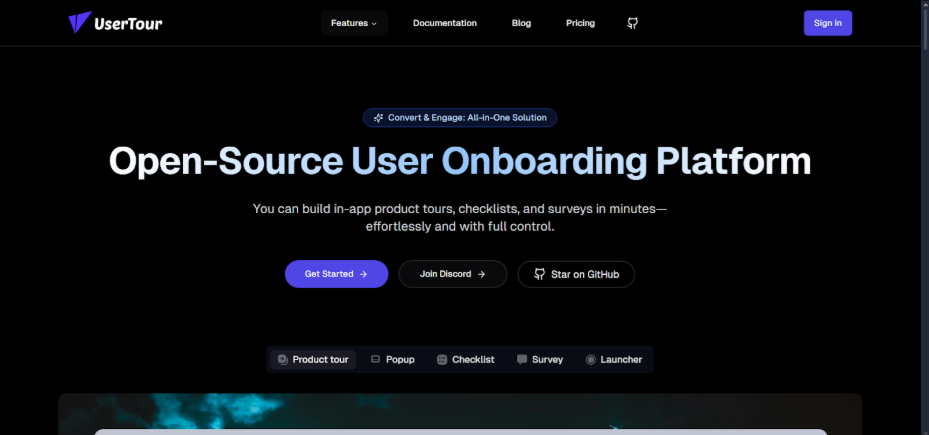
SaaS companies use UserTour to make onboarding effortless and engaging. Instead of relying on developers, teams can create in-app product tours, checklists, and surveys with its intuitive visual editor. They can personalize experiences for different users based on roles, behavior, or language, ensuring each person gets relevant guidance.
Automated triggers launch flows at key moments, like signup or feature activation, boosting engagement and adoption. Analytics provide insights into completion rates and user journeys, helping teams optimize onboarding. Fully customizable themes keep everything on-brand, while the modern tech stack ensures smooth, scalable experiences. Usertour turns onboarding into a guided, user-friendly journey.
Features:
Guide users step-by-step through your product with in-app product tours
Keep users on track with interactive onboarding checklists
Collect insights and feedback from users directly within the app
Build and customize content with a no-code WYSIWYG editor
Match your branding with fully customizable themes, colors, and fonts
Localize onboarding flows with multi-language support
Trigger flows automatically based on user actions or events
Track engagement, completion rates, and user journeys with analytics
Personalize onboarding experiences using custom user attributes
Pros and cons:
UserTour is intuitive and quick to set up, but complex flows need time, and advanced analytics may require some technical know-how.
Integrations:
UserTour has no native integrations yet; it works via script embed, supports custom attributes, and allows developers to build custom connections.
Pricing:
The free Hobby plan offers 5,000 sessions, one team member, and community support; paid plans add more users, sessions, and features.
10. Intro.js

Intro.js is a lightweight, open-source JavaScript library that helps SaaS businesses create step-by-step onboarding checklists and product tours. It guides users through features, boosting adoption. With a simple API, you can configure each step, highlight elements, and customize text, styles, and themes.
Lightweight at just 10kB, it has no dependencies, making it fast and reliable. Free for non-commercial projects, Intro.js also offers commercial licenses with support and multiple project options. Its flexibility and simplicity let teams create effective onboarding flows that educate users, reduce confusion, and increase engagement. This increases your chances of turning new users into confident, active customers.
Features:
Step-by-step product tours
Interactive onboarding checklists
Lightweight and dependency-free (10kB)
Easy installation via NPM or CDN
Simple API for starting and configuring tours
Element highlighting and focus
Fully customizable steps, text, and styles
Theme customization and multiple theme support
Open-source (AGPL) with free and commercial licenses
Lifetime updates for commercial licenses
Pros and cons:
Intro.js is lightweight, easy, and customizable for onboarding, but lacks advanced analytics, native integrations, and requires manual setup for complex flows.
Integrations:
Intro.js doesn’t have native third-party integrations. It’s a lightweight, open-source library that works via JavaScript and CSS, so developers can manually connect it to other tools using custom code or APIs.
Pricing:
Intro.js is free for personal or open-source projects. For commercial use, you pay once with Starter at $9.99, Business $49.99, and Premium $299, each offering lifetime updates and support.
11. Stonly
Stonly stands out because it treats onboarding checklists as guided knowledge, not just task lists. Instead of static steps, it uses interactive, decision-based guides that adapt to user context, helping customers and agents reach the right answer faster. Its strength lies in combining onboarding, self-service support, and internal training in one system.
Stonly also integrates deeply with support tools like Zendesk and Salesforce, so guidance appears directly in real workflows. Add AI trained on verified content, strong analytics, and enterprise-grade knowledge management, and Stonly becomes less about “checking boxes” and more about driving real outcomes—fewer tickets, faster resolutions, and confident users.
Features:
Interactive, decision-based guides that adapt to user context
In-app onboarding checklists embedded into real workflows
AI-powered answers backed by verified, structured knowledge
Deep integrations with support tools like Zendesk, Salesforce, and ServiceNow
User-level analytics to track guide performance and outcomes
Versioning and access controls for managing knowledge at scale
WYSIWYG editor with multimedia, code blocks, and reusable snippets
Automated ticket summaries and agent assist suggestions
Collaboration, review flows, and scheduled publishing tools
Pros and cons:
Stonly is easy to pick up but still powerful enough for complex workflows. Teams love how quickly they can build guides, track results, customize branding, and rely on responsive support. That said, some advanced visual features cost extra, and image placement options could be more flexible.
Integrations:
It integrates seamlessly with major support and service platforms like Zendesk, Freshdesk, Salesforce, and ServiceNow, embedding step-by-step guidance directly into existing workflows so agents and customers get help without switching tools.
Pricing:
All users get a custom quote.
FAQs
What is user onboarding checklist software?
User onboarding checklist software is a tool that creates interactive, step-by-step task lists embedded inside a product to guide new users through key actions needed to understand and use the product effectively. These in-app checklists help users complete essential setup steps, track progress, and reduce confusion by showing what to do next.
How do checklists improve activation rates?
Checklists improve activation rates by breaking onboarding into clear, manageable tasks that guide users toward meaningful actions tied to long-term value. By showing what steps are left and celebrating completion, checklists reduce friction, help users reach “aha” moments faster, and keep them engaged through progress visibility.
Are no-code options available for non-devs?
Yes, many onboarding checklist tools offer no-code builders so non-developers can create and publish checklists without writing code. For example, Flook lets teams build in-app checklists, tooltips, tours, and banners entirely without engineering help using its Chrome-based builder, making it ideal for product and growth teams.
What integrations matter most in user onboarding checklist software?
The most important integrations connect analytics, CRMs, support tools, and automation platforms. They help personalize onboarding, track engagement, trigger flows, and ensure measurable, timely, and relevant user experiences.