Top 10 Chameleon Alternatives for Easier Onboarding and User Adoption
Last updated on Thu Dec 18 2025
Chameleon is a great tool for creating flexible, in-product experiences like tours, tooltips, and modals. But it’s not the perfect fit for everyone. Some teams find it expensive, complex to set up, or harder to manage without a technical background.
If you’re looking for a simpler, more affordable option—with faster setup, strong analytics, no-code builders, or multilingual support—there are great alternatives out there. Many of them also include onboarding checklists, feedback tools, and even AI features to help teams move faster.
This guide is for product-led teams, growing startups, and enterprise SaaS companies who want to improve onboarding, drive feature adoption, or support users without the extra overhead. Whether you need something lighter or more powerful than Chameleon, we’ve rounded up the best tools to consider. Let’s find the right fit for your team.
1. Flook
Best for: Startups needing fast, no-code onboarding with full styling control
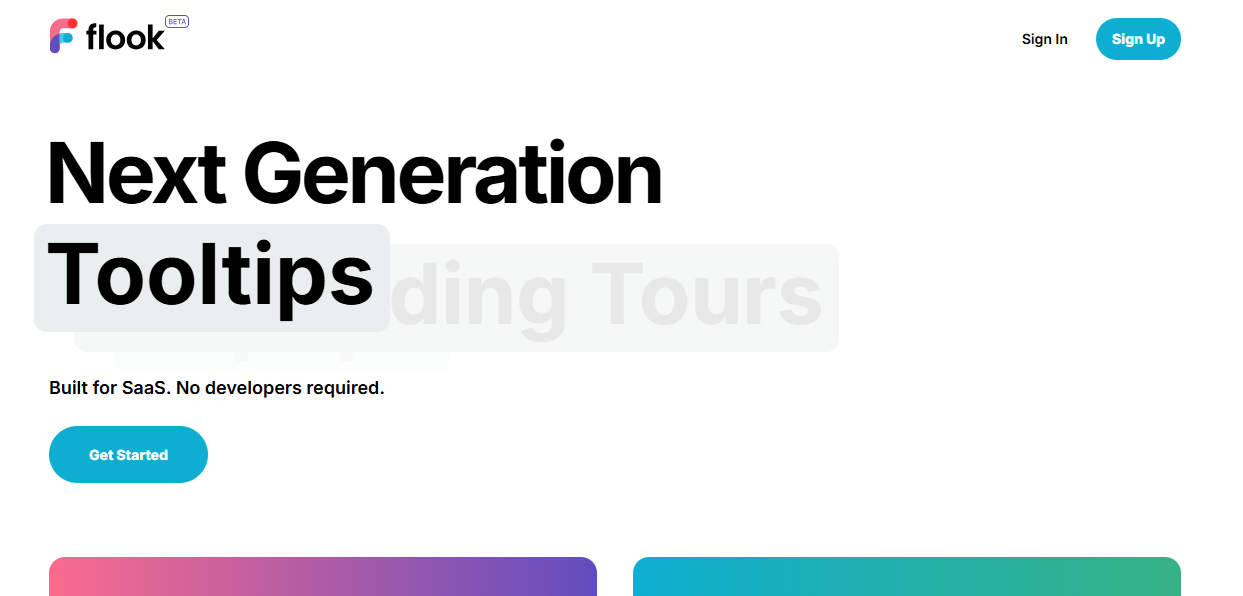
Flook is a modern onboarding platform built for SaaS teams that want to ship faster without waiting on developers. Using a Chrome extension, teams can visually create and publish tooltips, checklists, banners, and popups directly on their live app. It's lightweight, blazing fast to implement, and ideal for startups needing flexibility, design control, and rapid iteration without touching code.
Top features:
Chrome-based builder for creating onboarding flows directly in your live product
Launch product tours that span multiple pages or app states
Create onboarding checklists that drive task completion and reduce drop-off
Add custom tooltips with templates or build fully tailored designs
Deploy popups triggered by events, URLs, or API calls
Use slideouts to announce new features or run campaigns
Sticky banners for alerts, offers, or scheduled downtime
Full visual theming to match your product branding without CSS coding
Pricing: Flook is available for a one-time $49 lifetime deal while in beta. This includes unlimited access to all core features with no usage caps or monthly fees. It’s one of the most budget-friendly options for teams looking to launch and scale onboarding quickly.
Ratings:
Flook is newly launched. Check us out.
2. Appcues
Best for: Product teams needing robust personalization & mobile support
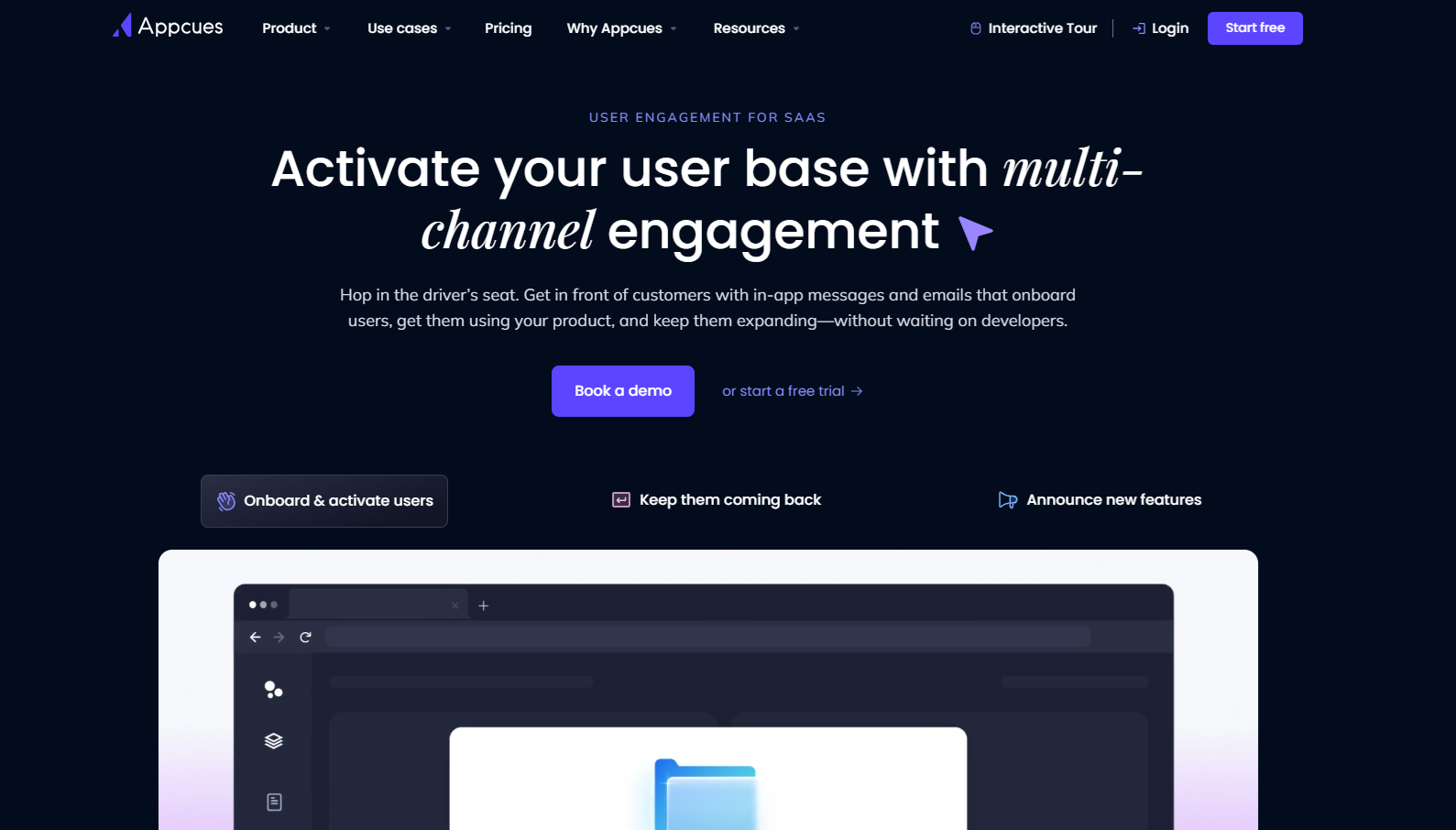
Appcues offers a powerful onboarding tool and engagement platform designed for SaaS teams that want to create personalized, cross-channel user experiences without code. From first-run tours to upsells and retention campaigns, Appcues helps product-led teams guide users through the key moments that drive growth. With native mobile SDKs, flexible targeting, and rich analytics, it’s a go-to for teams managing multi-platform onboarding at scale.
Top features:
Visual builder for creating modals, tooltips, checklists, and slideouts
Behavior-based flow triggering based on real-time user actions or lifecycle stage
Mobile SDKs for delivering onboarding across iOS and Android apps
Multichannel engagement with in-app messages, push notifications, and emails
Deep segmentation using traits, events, and account-level data
Funnel analytics, goal tracking, and built-in A/B testing
Integrates with CRMs, analytics tools, and CDPs like Segment, HubSpot, and Amplitude
Enterprise-ready controls including role-based access and custom branding
Pricing:
Appcues starts at $300/month for core onboarding functionality, with access to templates, targeting, and analytics. Higher tiers add NPS surveys, team collaboration, and premium integrations. Enterprise plans support governance features like SSO and audit logs. All plans are billed annually, with a free trial available.
Ratings:
4.6 stars on G2
3. Userflow
Best for: Teams needing conditional logic and high customization
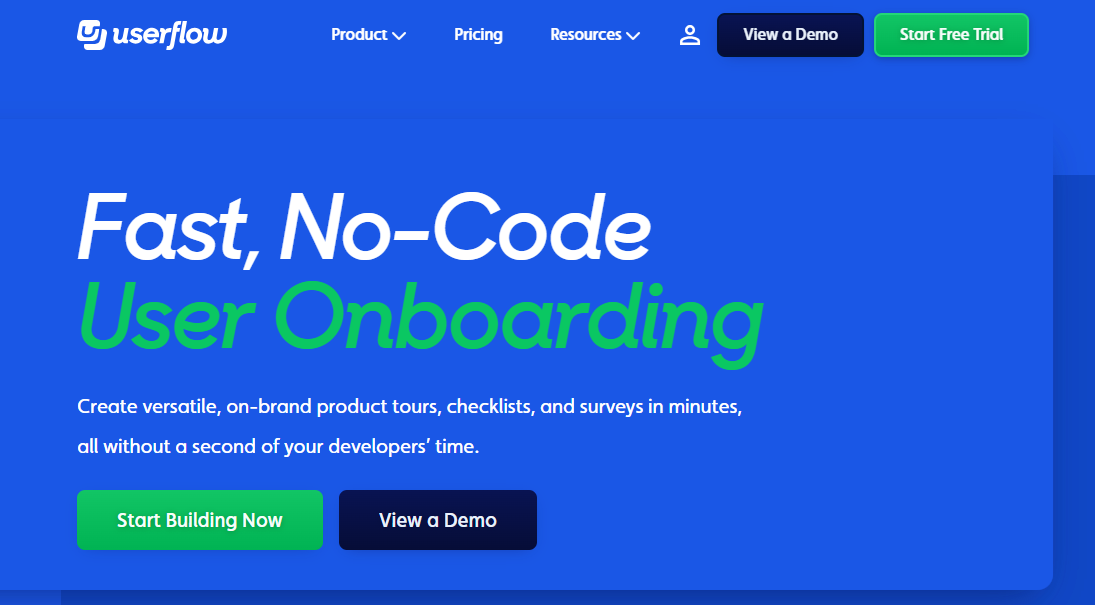
Userflow is a high-performance, no-code onboarding platform ideal for SaaS teams with complex workflows and branching user paths. With its visual builder, advanced targeting, and real-time collaboration, Userflow enables teams to build deeply customized onboarding experiences without engineering help. It’s especially useful for products with multi-step flows, role-based content, or advanced user segmentation needs.
Top features:
Visual builder for multi-step onboarding tours and contextual guidance
Conditional logic and dynamic flow branching based on user behavior or attributes
Triggered checklists and progress tracking for activation milestones
Built-in surveys for user feedback and sentiment collection
Real-time in-app previewing with instant updates and publishing
Collaboration features including version control and role permissions
AI tools for auto-generating tours and localizing onboarding content
Integrates with Segment, HubSpot, Mixpanel, Amplitude, and other major tools
Pricing: Userflow’s Startup plan starts at $240/month (billed annually) and includes unlimited flows, tours, and banners for up to 3,000 MAUs. The Pro plan at $680/month adds localization, advanced integrations, and collaboration tools. Enterprise plans are available with custom pricing. All plans include a 14-day free trial.
Ratings:
4.8 stars on G2
4.8 stars on Capterra
4. UserGuiding
Best for: All-in-one onboarding and in-app support for SMBs
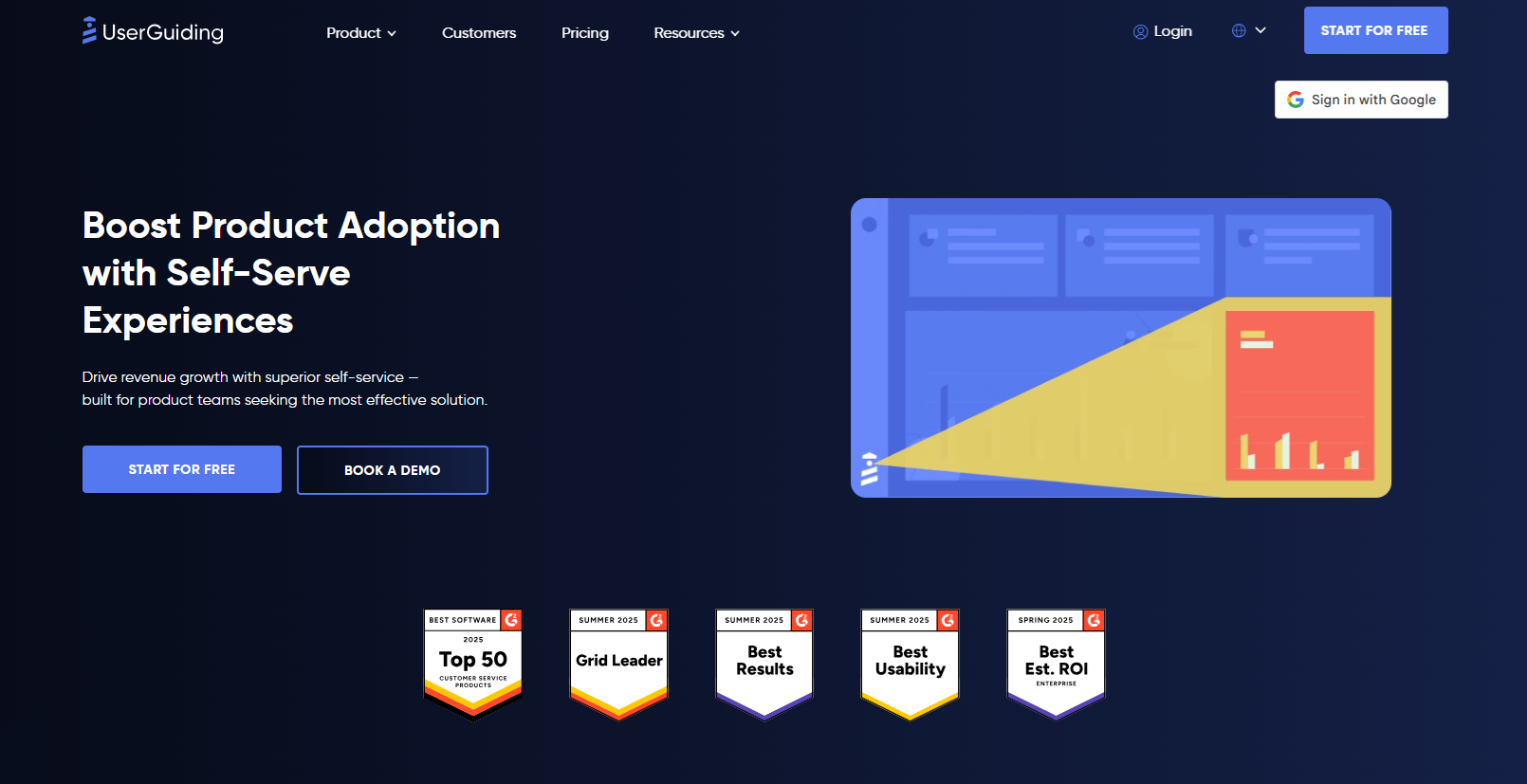
UserGuiding is a no-code onboarding platform built for SMBs that want everything in one place, from onboarding flows to self-serve support. It combines product tours, checklists, surveys, and an in-app help center into a single toolkit that non-technical teams can manage easily. With fast setup, built-in AI assistance, and strong localization support, UserGuiding delivers solid value at a lower cost than Chameleon.
Top features:
Interactive product tours, onboarding checklists, and contextual tooltips
Visual Chrome extension builder designed for non-technical product teams
In-app surveys, NPS collection, and user feedback widgets
AI-powered assistant trained on your help content for instant answers
Built-in resource center with knowledge base and product updates
Behavioral targeting and segmentation for personalized onboarding flows
Analytics and A/B testing to measure onboarding performance and adoption
Custom themes, mobile-friendly UI patterns, and multilingual support
Pricing: UserGuiding offers a free Support Essentials plan that includes a help center and basic AI assistance. Paid plans start at $174 per month for onboarding flows and analytics, with the Growth plan at $349 per month adding A/B testing, advanced personalization, and custom CSS. Enterprise pricing is available on request.
Ratings:
4.7 stars on G2
4.7 stars on Capterra
5. Storylane
Best for: Marketing/sales teams building interactive product demos
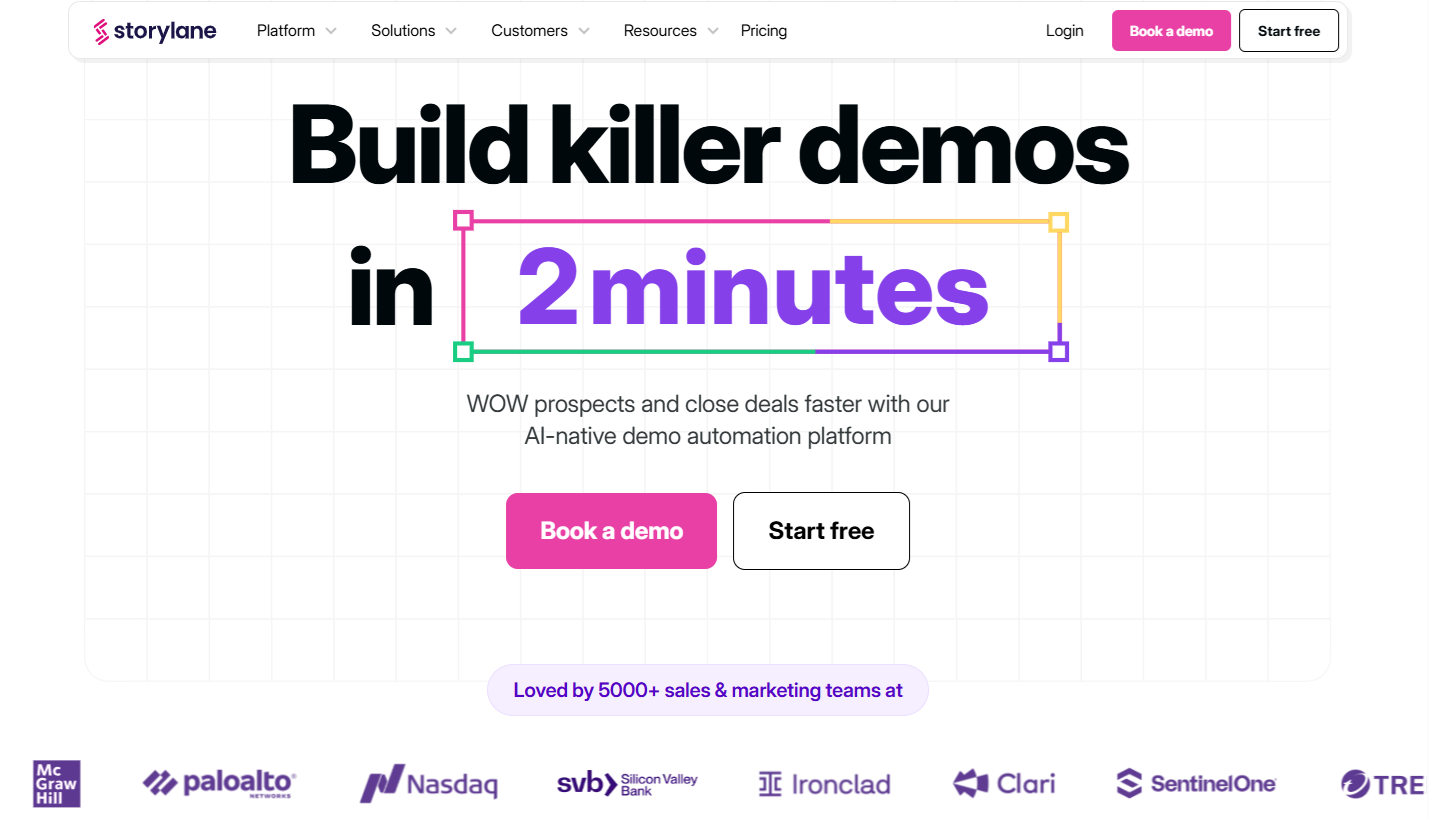
Storylane is a no-code platform built to help go-to-market teams create interactive, guided product demos in just minutes. It captures real product flows and turns them into click-through experiences for lead generation, sales enablement, and product marketing. With powerful AI features and CRM integrations, Storylane supports a full-funnel strategy that drives conversions without the need for engineering time or sandbox environments.
Top features:
Capture product screens and turn them into guided, interactive demos
AI generates demo structure, voiceovers, and copy automatically
Personalize demos by use case, persona, or funnel stage
Share demos via links, landing pages, emails, or embed codes
Build branded Buyer Hubs for deal-specific demo collections
Track demo views, engagement, and buyer intent signals in real time
Integrate with Salesforce, HubSpot, Marketo, Segment, and Zapier
Scale demo delivery with sandbox experiences and dynamic tokens
Pricing:
Storylane offers a free plan with one demo and unlimited views. Paid plans start at $40 per month, with advanced customization, analytics, and AI tools available in higher tiers between $500 and $1,200 per month. Enterprise options include offline demos, API access, and white-glove onboarding and support.
Ratings:
4.8 stars on G2
5.0 stars on Capterra
6. Navattic
Best for: Interactive demos with buyer intent tracking
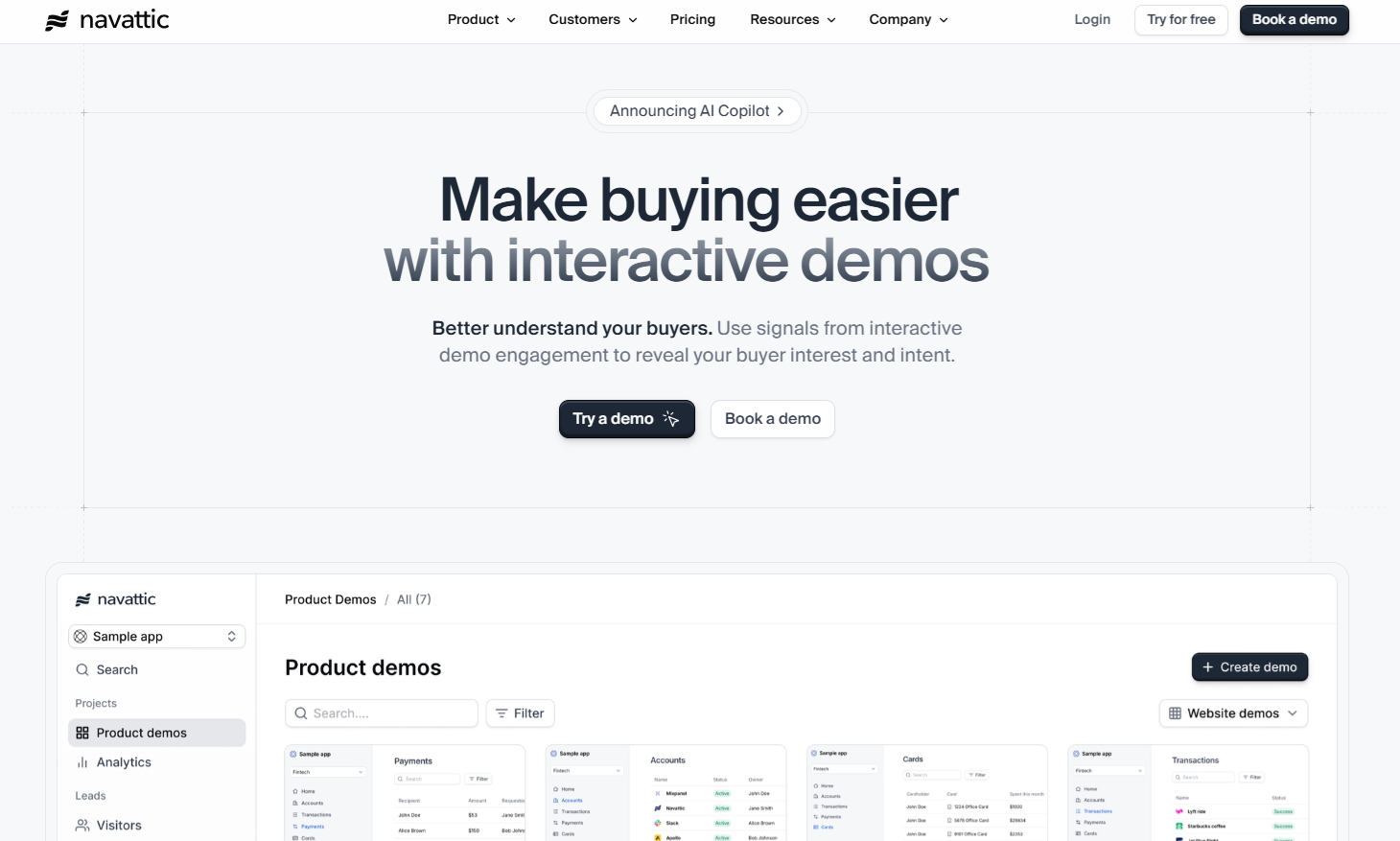
Navattic helps go-to-market teams turn real product flows into interactive, click-through demos that drive pipeline and capture buyer intent. It’s a no-code platform designed for marketing, sales, and product-led growth teams that want to engage users earlier in the journey. With AI-powered demo creation, real-time engagement tracking, and deep CRM integrations, Navattic delivers measurable results without needing a sandbox or engineering support.
Top features:
Build interactive HTML-based demos with a few clicks, no code required
Use AI Copilot to auto-generate flows, voiceovers, and structure
Track demo engagement by account, lead, and usage patterns
Trigger Slack or email alerts based on demo activity and firmographics
Personalize demos by persona, use case, or product line
Share demos via URL or embed in websites, emails, and landing pages
Sync data with CRMs like Salesforce, HubSpot, and Marketo
Create multilingual, offline, or sandbox demos for events and global teams
Pricing:
Navattic offers a free plan with one demo and limited analytics. The Base plan starts at $500 per month, including unlimited demos, full CRM integrations, and branded theming. The Growth plan, at $1,000 per month, unlocks advanced targeting, demo translations, A/B testing, and SSO. Enterprise tiers offer offline access, audit logs, and additional support.
Ratings:
4.5 stars on G2
4.5 stars on Capterra
7. Product Fruits
Best for: GDPR-compliant onboarding for European SaaS
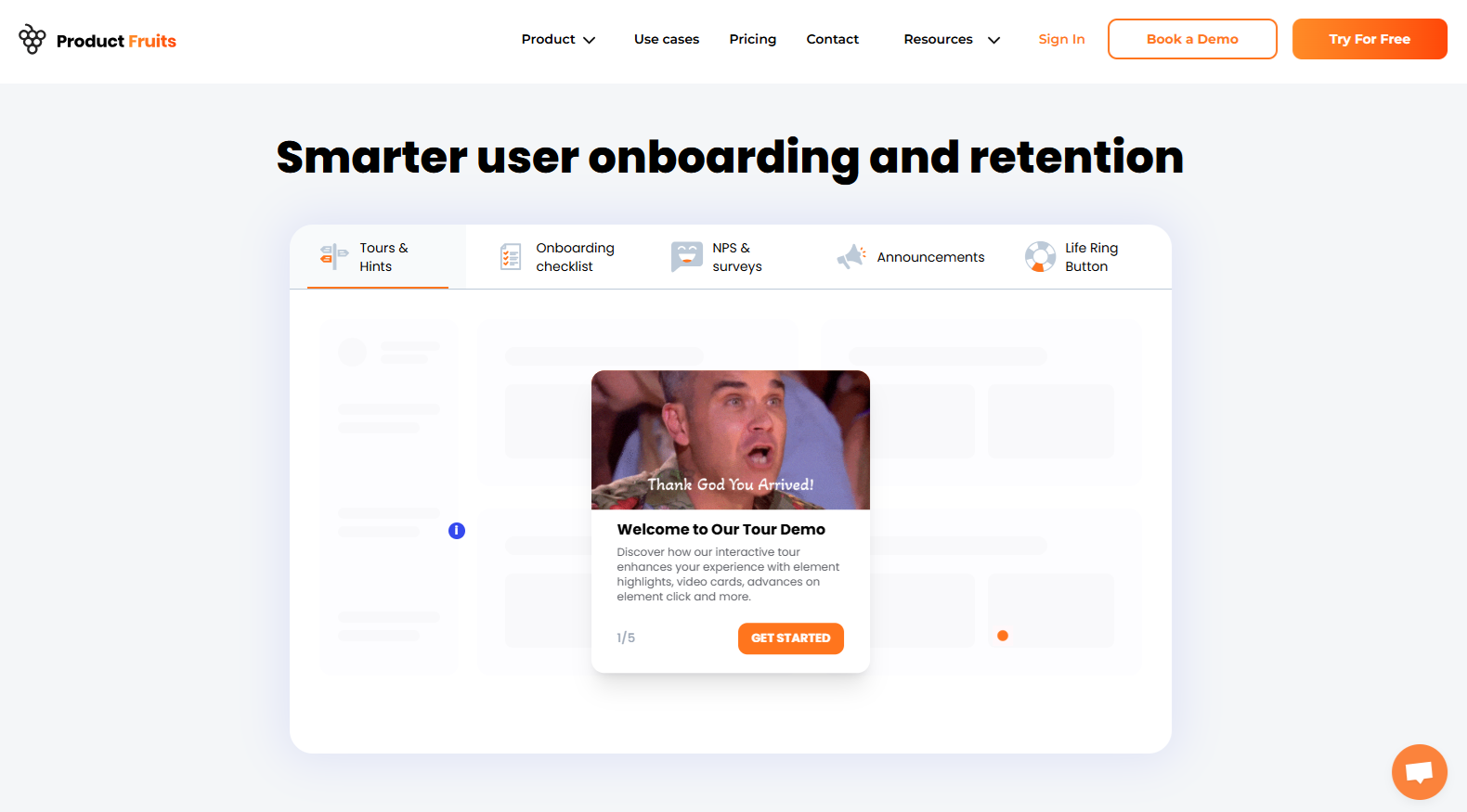
Product Fruits is a privacy-first onboarding platform built for SaaS teams that need to move fast without sacrificing data protection. It’s fully no-code, EU-friendly, and easy to set up. With built-in AI, multilingual support, and a strong focus on feedback and self-service help, it’s especially useful for startups operating in regulated industries or global markets.
Top features:
Smart onboarding tours and step-by-step checklists with no developer input
Contextual tooltips and hints that guide users directly inside your product
In-app announcements and release notes to communicate updates effectively
Built-in NPS surveys and customizable feedback widgets to collect insights
AI-powered Copilot that provides instant answers from your knowledge base
Support for multiple languages and full localization across experiences
GDPR-compliant data handling with EU-based hosting and privacy controls
API, event triggers, and no-code integrations for advanced customization
Pricing: Product Fruits starts at $96/month for the Starter plan, which includes onboarding tours, three checklists, and announcement features. The Pro plan at $149/month adds unlimited checklists, multilingual support, surveys, and advanced integrations. Custom Enterprise plans are also available with enhanced security, audit logs, and onboarding support. A 14-day free trial is available.
Ratings:
4.7 stars on G2
4.7 stars on Capterra
8. Whatfix
Best for: Enterprise digital adoption at scale
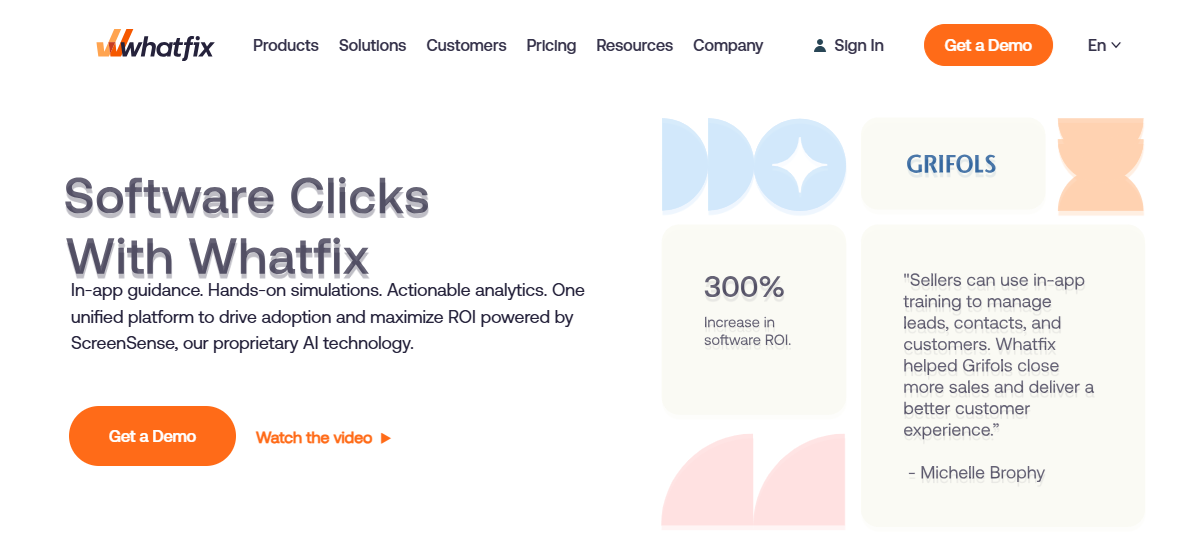
Whatfix is an enterprise-grade digital adoption platform designed to guide users across complex software environments. With support for web, desktop, and mobile apps, it helps organizations onboard employees, train customers, and enforce process compliance through contextual help, simulations, and AI-driven guidance. It's ideal for large teams rolling out internal tools or managing change across departments and regions.
Top features:
In-app walkthroughs, task lists, smart tips, and pop-ups for contextual help
Hands-on learning simulations via Whatfix Mirror for risk-free training
AI-powered content delivery based on user behavior and workflow context
Analytics that track engagement, completion rates, and user performance
Role-based segmentation and targeting for personalized experiences
Supports SaaS, desktop, and mobile environments for full platform coverage
Integrates with Salesforce, LMSs, CRMs, and enterprise data platforms
Built-in support for change management, compliance, and SOP enforcement
Pricing:
Whatfix offers custom pricing based on deployment size, platform coverage, and use case complexity. Pricing plans are tailored for enterprise needs, including onboarding, training, and analytics. Businesses must contact the Whatfix sales team for a quote. Free trials and demos are available on request to explore capabilities before committing.
Ratings:
4.6 stars on G2
4.6 stars on Capterra
9. WalkMe
Best for: Large enterprises managing cross-platform workflows
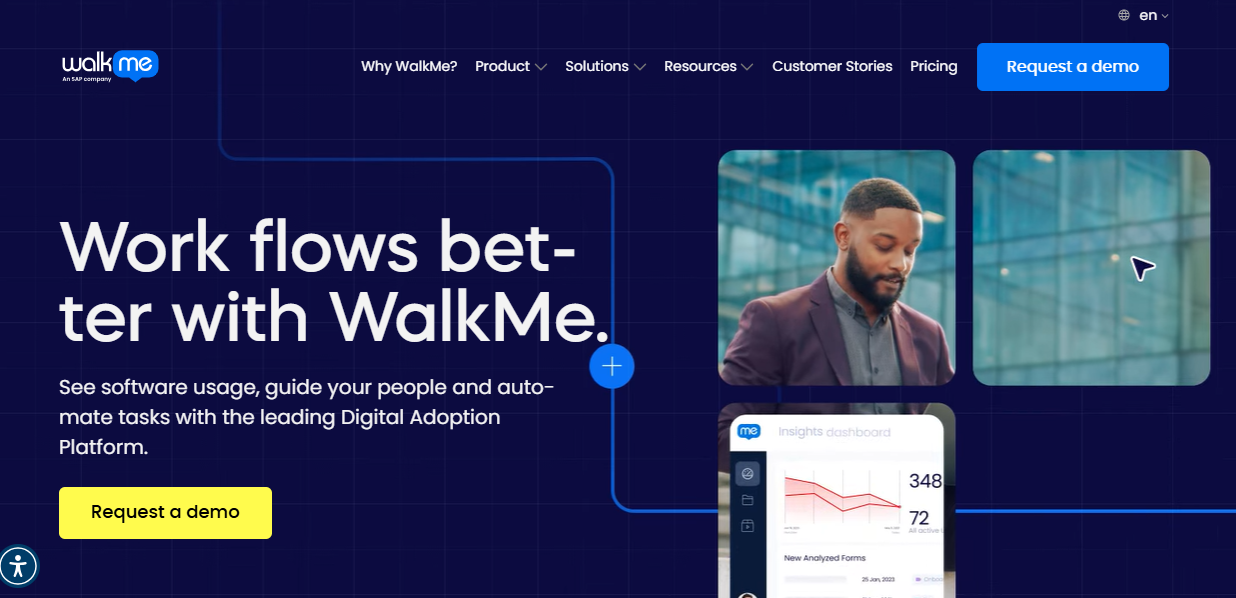
WalkMe is a robust digital adoption platform designed for large organizations needing full visibility and control over complex workflows. It overlays on any software—web, desktop, or mobile—to guide users in real time, automate repetitive tasks, and optimize software ROI. With advanced analytics and behavior-based targeting, WalkMe helps drive user productivity, reduce support costs, and scale internal adoption across teams and tools.
Top features:
Real-time in-app walkthroughs and step-by-step task guidance
Automation tools for form filling, data entry, and repetitive workflows
Advanced usage analytics for identifying friction and measuring adoption
Cross-platform support for web, desktop, and mobile environments
Role- and behavior-based segmentation for personalized experiences
Insights into app usage, process completion, and form performance
Enterprise-grade security, compliance, and change management support
No-code editor for creating, testing, and deploying experiences quickly
Pricing:
WalkMe offers custom pricing tailored to each enterprise’s needs, including deployment size, number of users, and use case complexity. Quotes are available upon request after a consultation with their sales team. WalkMe provides dedicated onboarding and enterprise-level support with all plans, making it ideal for organizations managing digital transformation at scale.
Ratings:
4.5 stars on G2
4.4 stars on Capterra
10. HelpHero
Best for: Lightweight onboarding tours and product walkthroughs
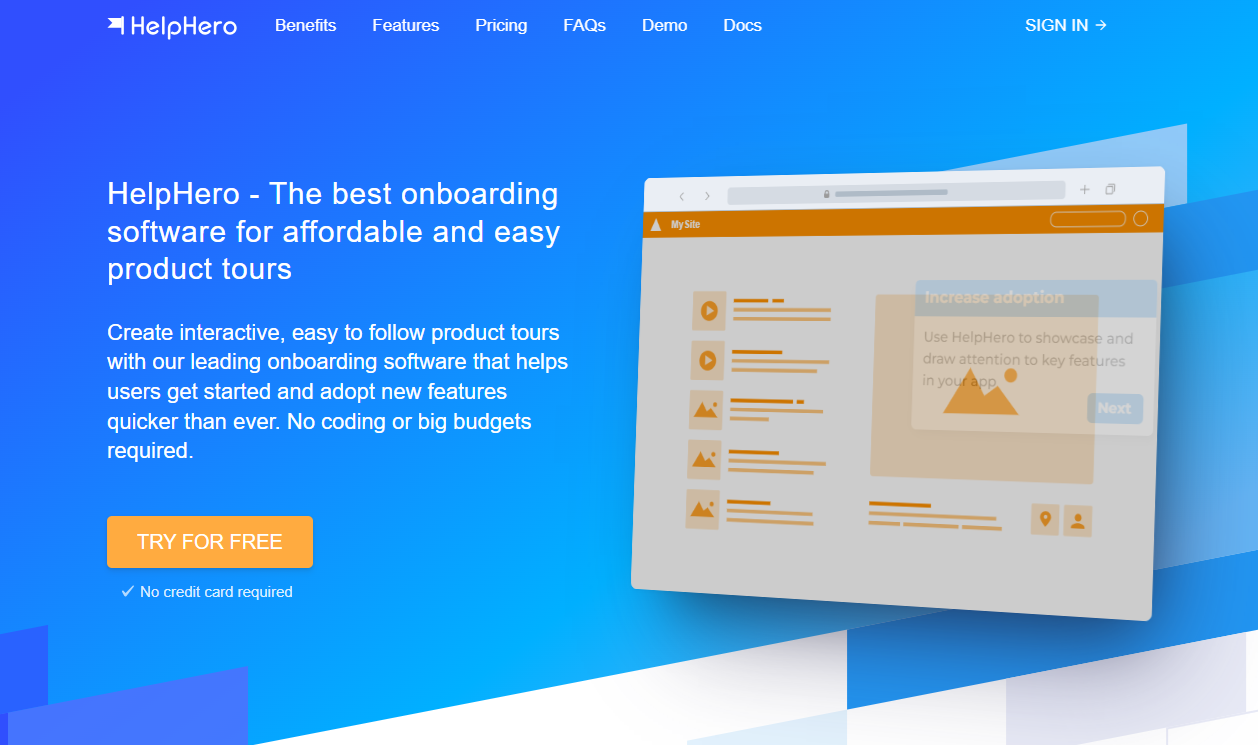
HelpHero is a streamlined onboarding platform built for startups and lean product teams that need to move fast. It lets you create simple, effective product tours, walkthroughs, and onboarding checklists—all without writing code. With its drag-and-drop builder, flexible targeting, and clean design controls, HelpHero delivers a fast, intuitive way to guide users through new features and improve product adoption from day one.
Top features:
Build guided product tours and walkthroughs in minutes with no coding
Customize look and feel with built-in themes or custom CSS
Trigger onboarding flows based on user actions, attributes, or URLs
Create multi-page tours with branching logic and contextual steps
Run A/B tests and analyze performance with built-in analytics
Embed checklists, hotspots, and tooltips to reinforce key actions
Integrate with popular CRMs, analytics tools, and custom APIs
Works across single-page apps, responsive layouts, and embedded widgets
Pricing:
HelpHero starts at $55/month for up to 1,000 monthly active users and scales based on usage. Every plan includes full access to all features, with no limits on tours, checklists, or targeting. Custom pricing is available for startups and enterprise needs. All plans come with a 14-day free trial and no credit card required.
Ratings:
4.9 stars on G2
4.7 stars on Capterra
Frequently asked questions
Which Chameleon alternatives are best for startups and lean teams?
Flook is ideal for startups that want fast, no-code onboarding with full design control and a low one-time cost. UserGuiding is another strong option, offering all-in-one onboarding, surveys, and in-app help at a startup-friendly price. HelpHero also works well for lean teams that need simple product tours without complexity.
What’s the most affordable option for onboarding and user activation?
Flook is the most affordable option for onboarding and user activation. It offers a one-time $49 lifetime deal during its beta, giving full access to tooltips, checklists, banners, and more. There are no monthly fees or usage caps, making it perfect for startups or small teams on a budget.
Are there no-code tools that offer faster setup than Chameleon?
Yes. Flook offers one of the fastest setups using a Chrome extension that lets teams build onboarding directly on their live app. UserGuiding is also quick to launch with a visual builder designed for non technical teams. HelpHero provides a simple drag and drop editor that makes publishing tours and walkthroughs fast and straightforward.
Do any Chameleon competitors offer better design control or CSS styling?
Yes. Flook gives you complete visual theming so the in-app guidance and onboarding elements match your product’s UI exactly. HelpHero also offers full design control with built‑in themes and custom CSS. Userflow lets you style and customize flows deeply and tailor experiences to fit your brand and product design needs.
Which tools support AI-assisted onboarding or demo creation?
Yes. Storylane uses AI to generate demo structure and voiceovers for interactive product walkthroughs. Navattic includes an AI Copilot that helps build demos quickly from your product screens. Userflow offers AI tools to auto‑generate tours and assist with content creation inside onboarding flows.
Are there Chameleon alternatives with stronger user segmentation and targeting?
Yes. Appcues offers deep user segmentation by behavior, traits, and lifecycle stage to tailor onboarding content. Userflow provides advanced targeting and conditional logic to show the right flows to the right users. UserGuiding also supports behavioral segmentation so you can personalize guides and support based on user actions and attributes.
What’s the best Chameleon alternative for building interactive product demos?
The best Chameleon alternatives for building interactive product demos are Storylane and Navattic. Storylane uses AI to generate guided, click‑through demos that can be personalized by use case or persona. Navattic lets you build HTML‑based demos, track engagement signals, and integrate that data with your CRM for deeper sales and marketing insights.
Whether you're a startup or scaling SaaS, the right onboarding tool can make all the difference in user activation and retention. Try Flook to build fast, beautiful onboarding flows without code or complexity.