Recent data shows that 75% of SaaS users are likely to abandon a product if they don’t understand it within the first week. These numbers highlight the incontestable value of choosing the right product onboarding tool.
The right solution doesn’t just guide users. It accelerates activation, reduces churn, and improves long-term retention. In this guide, we compare leading onboarding tools based on features, pros and cons, pricing, and more, helping you find the best fit for your product and growth goals.
1. Produktly
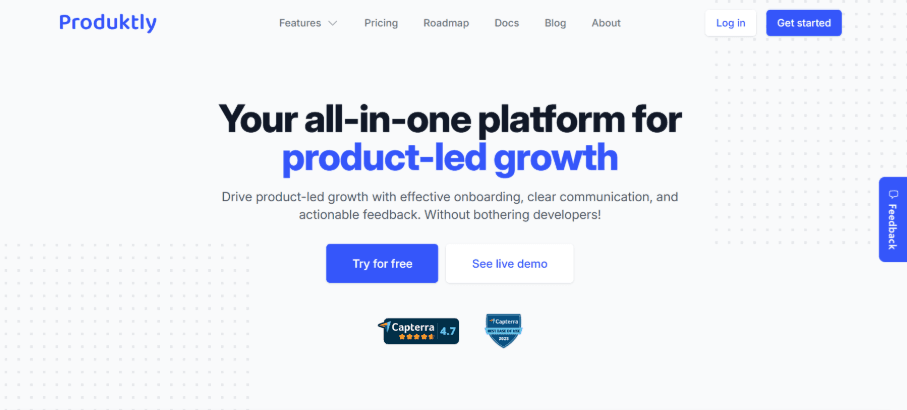
Produktly is a versatile product onboarding tool that combines multiple growth features into one simple, no-code platform. It goes beyond basic onboarding with interactive product tours, smart checklists, and contextual tooltips that guide users in real time. Built-in feedback widgets, NPS surveys, and roadmaps help teams understand users and prioritize improvements without extra tools.
Its flexibility allows targeting different user segments, while full customization keeps everything on-brand. With changelogs and announcements, it also supports ongoing engagement, not just onboarding. The quick script-based setup and visual editor make it easy to launch, iterate, and scale without relying on developers.
Key features
Product tours that guide users step by step
Onboarding checklists that drive activation
Feedback widgets that capture in-app insights
Roadmaps that share plans and collect requests
Changelogs that highlight updates and fixes
Smart tips that provide contextual guidance
Announcements that keep users informed
NPS widgets that measure satisfaction
Micro surveys that collect timely feedback
Pros and cons
Produktly’s biggest strengths are its easy setup, no-code approach, and all-in-one feature set covering tours, checklists, feedback, and changelogs at strong value. It reduces tool sprawl and speeds onboarding. On the downside, advanced teams may find fewer enterprise-level capabilities compared to larger, more established platforms.
Pricing
You can choose from three plans: Developer ($19/month), Startup ($59/month), and Growth ($199/month). Each tier scales features, usage limits, and team size, with higher plans unlocking unlimited tools.
Ratings
4.3 stars on G2
4.7 stars on Capterra
2. Pendo
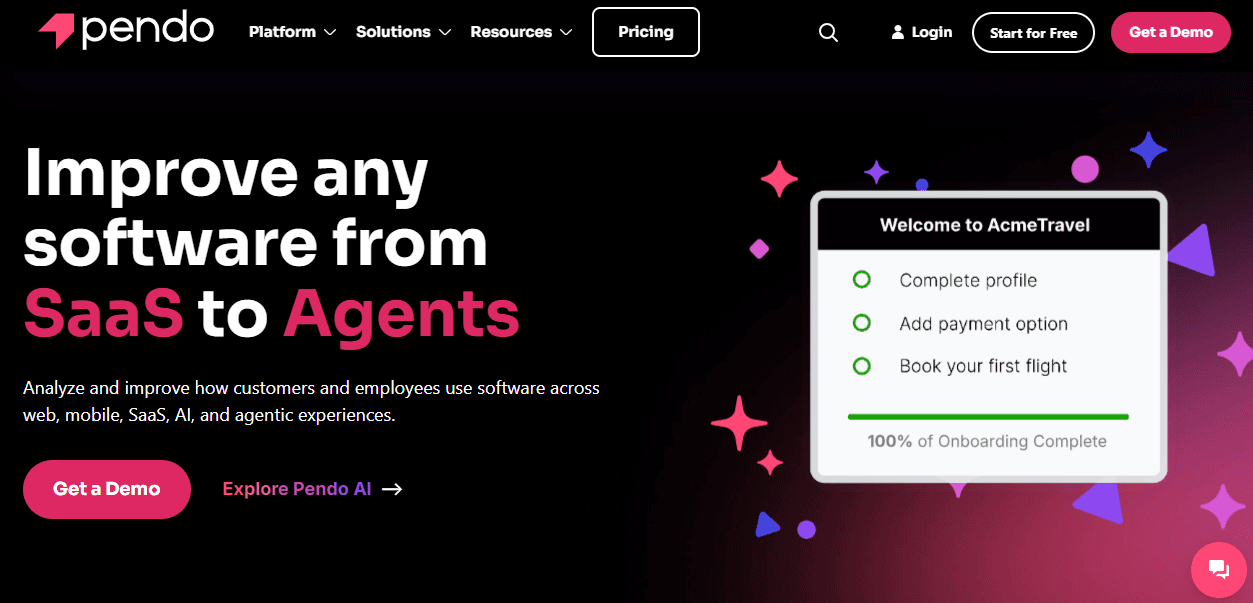
As a product onboarding tool, Pendo combines in-app guidance with deep product analytics. It tracks user behavior to understand how people interact with your product, then uses that data to trigger targeted guides, tooltips, and walkthroughs.
Features like session replay and feedback tools help teams see where users struggle and improve onboarding flows. Pendo also uses AI to predict churn and highlight opportunities, allowing proactive engagement. By connecting insights with in-app messaging, it helps teams guide users to value faster, optimize experiences continuously, and clearly measure onboarding impact on retention and growth.
Key features
Product analytics that track user behavior, funnels, and adoption patterns
In-app guides that provide onboarding tours and contextual help
Session replay that shows real user interactions for friction detection
Feedback tools that capture user input and product insights
Roadmaps for sharing plans and collecting feature requests
NPS and surveys to measure satisfaction and sentiment
Predictive AI to identify churn risks and growth opportunities
Integration tools that connect product data across platforms
Pros and cons
Pendo offers strong analytics, insights, and rich onboarding features, making it powerful for product-led teams. However, users often report a steep learning curve and complexity. Some also mention missing features, limitations in flexibility, and occasional data accuracy concerns.
Pricing
Pendo offers a free plan for small teams, while paid plans include more features, scale, and custom pricing based on monthly active users.
Ratings
4.4 stars on G2
4.5 stars on Capterra
3. Flook
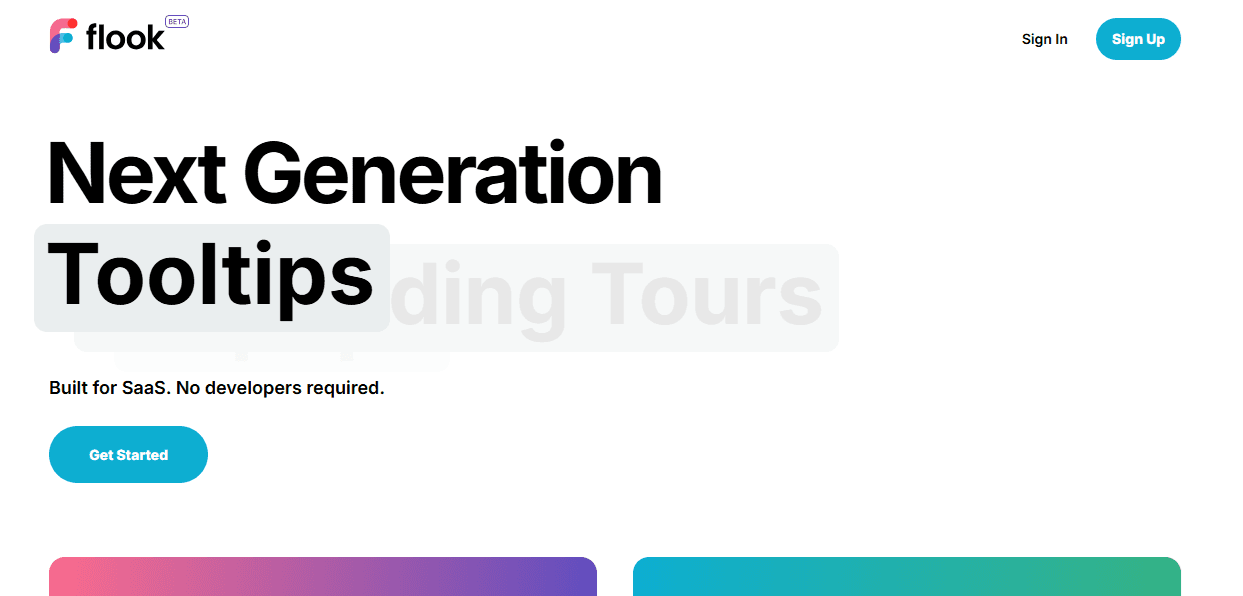
If you want an easy to use product onboarding tool that requires no coding and delivers fast setup, Flook is a strong choice. It lets teams create tooltips, onboarding tours, popups, banners, checklists, and slideouts in minutes using templates or simple customization.
Built for SaaS, it focuses on speed and simplicity, allowing non-developers to launch onboarding flows without engineering support. Its event, URL, or API triggers make experiences more dynamic and contextual. With quick installation via a Chrome extension and a simple script, Flook helps teams improve onboarding, reduce friction, and ship user guidance almost instantly.
Key features
Tooltips that explain UI elements and guide user actions
Onboarding tours that connect steps across pages for guided learning
Popups triggered by events, URLs, or API actions
Banners for announcements, offers, and system updates
Onboarding checklists that track task completion and progress
Slideouts for feature promotion and contextual messages
Pros and cons
Easy no-code setup and fast onboarding tools are strengths, but limited advanced features and early-stage platform maturity are drawbacks. If you want the easiest onboarding setup, you can use Flook to create an onboarding banner, and then when you’re ready, create a more complex product tour.
Pricing
You get a $49 lifetime beta deal with full access to onboarding tools like tooltips, tours, popups, and checklists.
4. Appcues
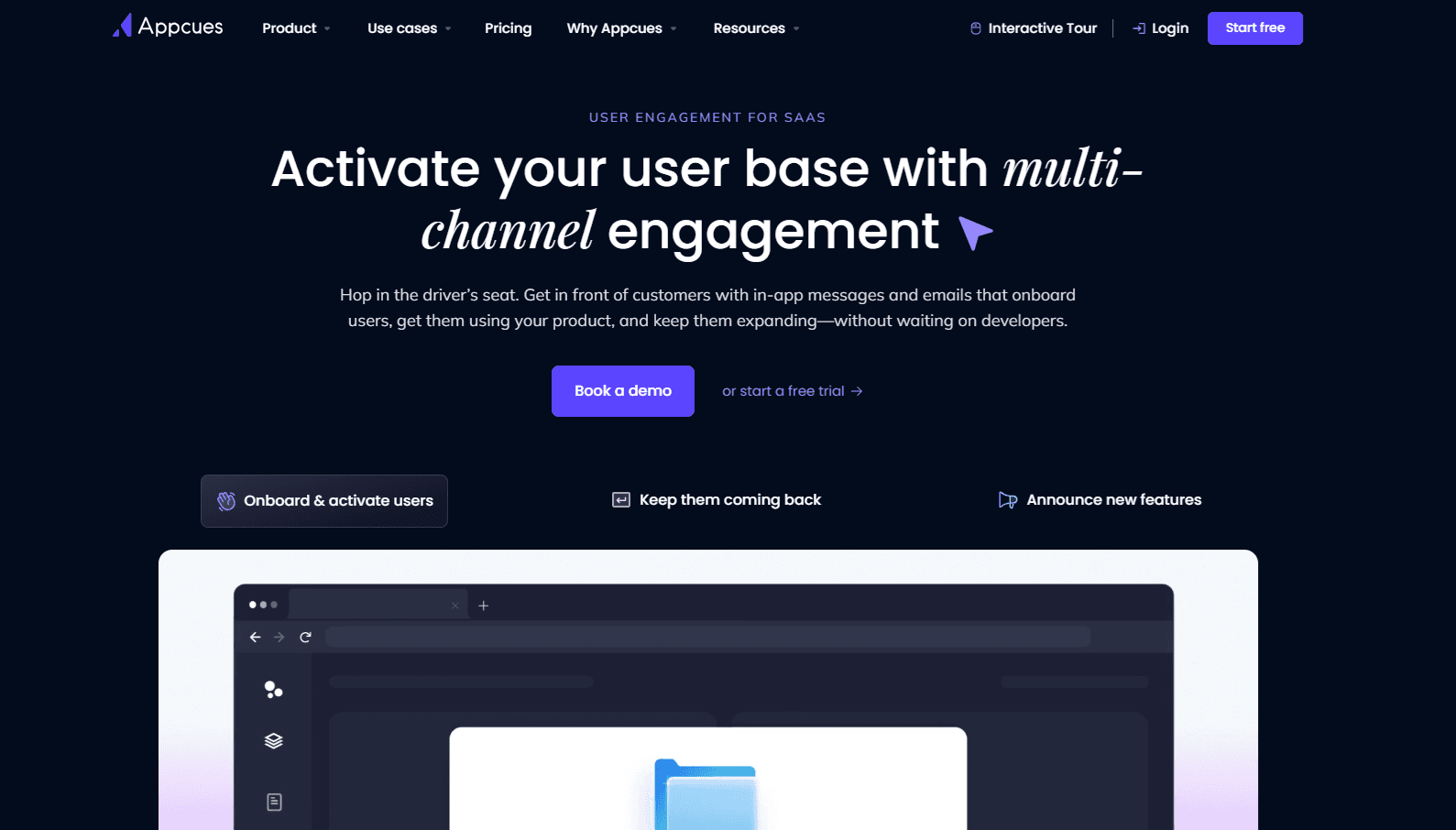
Appcues streamlines product onboarding by delivering personalized in-app, email, and mobile experiences based on user behavior. It guides users to activation with targeted flows, milestones, and nudges. Its AI engine continuously analyzes behavior, chooses next steps, and delivers timely messages, helping non-technical teams improve adoption, engagement, and retention without engineering effort.
Key features
In-app messaging that guides users inside the product
Behavioral email campaigns triggered by user actions
Mobile push notifications for cross-device engagement
Onboarding flows that guide users to activation milestones
Segmentation tools to target users based on behavior
AI-powered recommendations for next-best user actions
Analytics to track engagement, adoption, and retention
Pros and cons
Strong ease of use, simple setup, intuitive creation, and solid onboarding tools are standout pros. However, some users report missing features, UX limitations, and inconsistent customer support experiences.
Pricing
Every user gets a custom quote.
Ratings
4.6 stars on G2
4.8 stars on Capterra
5. Jimo
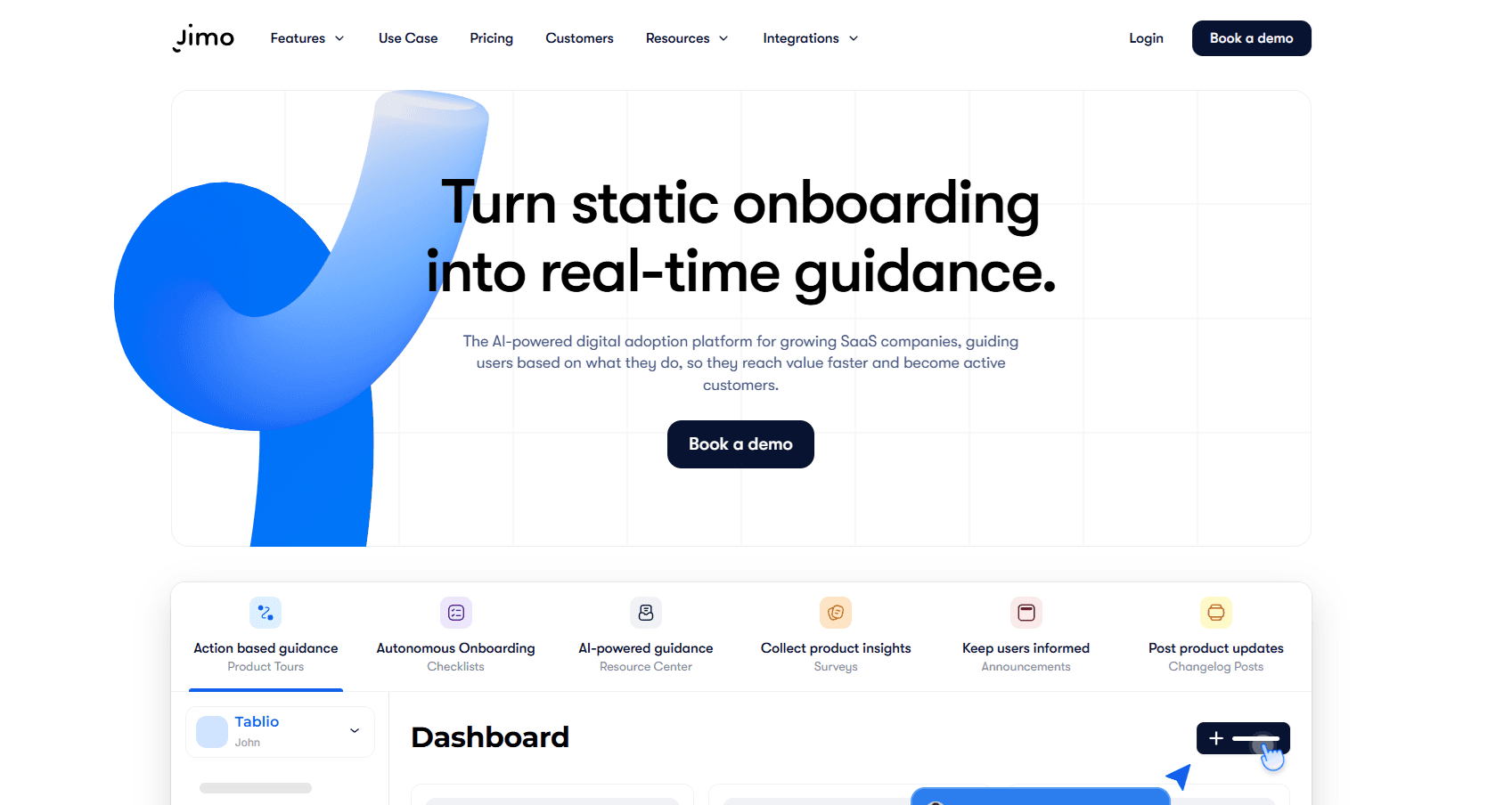
Jimo is an AI-native digital adoption platform (DAP) built for B2B SaaS teams that need onboarding, feature adoption, and in-app feedback in one place. Instead of static tours that users learn to skip, Jimo’s AI copilot guides people through your web application, answers questions in context, and can complete steps on a user’s behalf.
Product onboarding and customer success teams build these experiences without writing code or waiting on engineering. Jimo’s Success Tracker connects each tour, hint, or copilot action to activation and retention outcomes, so teams can see whether guidance is changing behavior, not just how many people clicked through it.
Key features
AI copilot that guides, answers questions, and executes actions inside your product
AI-powered product tours that adapt to user behavior and improve over time
Onboarding checklists that track task completion and progress
Contextual tooltips and Hints placed exactly where users need them
In-app banners and announcements for new features and updates
In-app surveys and net promoter score (NPS) widgets for structured feedback
AI-powered resource center that surfaces contextual help inside your product
Success Tracker analytics that tie in-app guidance to activation and retention, not just completion rate
Pros and cons
Teams point to fast setup, a Figma-style visual editor that lets product managers build on-brand experiences without CSS, and an AI tour generator that can turn a single recorded flow into a complete tour in under a minute. Jimo customer data shows AB Tasty cut its onboarding launch time from three months to two weeks after switching to Jimo. On the downside, Jimo is built specifically for web-based SaaS products, so it isn’t the right fit for native mobile onboarding or internal employee training across third-party enterprise software.
Pricing
Starter: $249/month (2,500–10,000 MAUs)
Growth: $499/month (2,500–100,000 MAUs)
Enterprise: Custom
Every plan includes the same core features, with team seats, experience limits, and analytics depth scaling by tier.
Ratings
4.6 stars on G2.
6. Userorbit
Userorbit is an all-in-one product adoption platform for SaaS teams that want to connect onboarding, user feedback, and product communication. Teams can create product tours, checklists, tooltips, surveys, announcements, feedback boards, roadmaps, and adoption analytics from one workspace.
Its no-code builder helps product and growth teams guide users toward activation without waiting for engineering. Userorbit also connects onboarding with the wider product feedback loop, allowing teams to collect requests, prioritize roadmap work, announce shipped improvements, and measure subsequent adoption.
Key features
No-code product tours and multi-page walkthroughs
Onboarding checklists that track user progress
Contextual tooltips and in-app guidance
Behavioral targeting and user segmentation
In-app NPS, CSAT, and custom surveys
Feedback boards and public product roadmaps
Announcements and changelog publishing
Product analytics for funnels, activation, and feature adoption
Pros and cons
Userorbit’s primary strength is its connected workflow. It combines onboarding, feedback, roadmap management, announcements, surveys, and analytics, helping SaaS teams reduce tool sprawl and manage activation and customer insight from one workspace. Its no-code tools and transparent plans make it particularly suitable for lean product and growth teams.
As a newer platform, Userorbit has less market history and a smaller third-party review footprint than established enterprise products such as Pendo and WalkMe.
Pricing
Userorbit’s Growth plan starts at $95 per month. Scale starts at $249 per month, while Enterprise pricing is customized according to usage and requirements. A 14-day free trial is available.
Ratings
4.8 stars on G2
7. UserGuiding
As an all-in-one product adoption tool, UserGuiding helps teams guide users through in-app experiences with less effort. It enables creation of interactive product tours, tooltips, and onboarding checklists that help users reach value faster. With segmentation and targeting, teams can deliver personalized guidance based on user behavior or role.
Key features
Product tours and onboarding checklists that guide users through features
Tooltips and hotspots for contextual in-app guidance
Banners and announcements for updates and promotions
In-app surveys and NPS for collecting user feedback
Segmentation for personalized onboarding experiences
Analytics to track engagement and onboarding performance
AI assistant for automated in-app customer support
Pros and cons
Cons include limited customization, some missing features, mobile app limitations, and a bit of a learning curve. On the plus side, it’s very easy to use, quick to set up, intuitive, and backed by helpful customer support.
Pricing
UserGuiding offers a Free plan, Starter at $174/month, Growth at $349/month, and custom-priced Enterprise.
Ratings
4.7 stars on G2
4.7 stars on Capterra
8. Chameleon
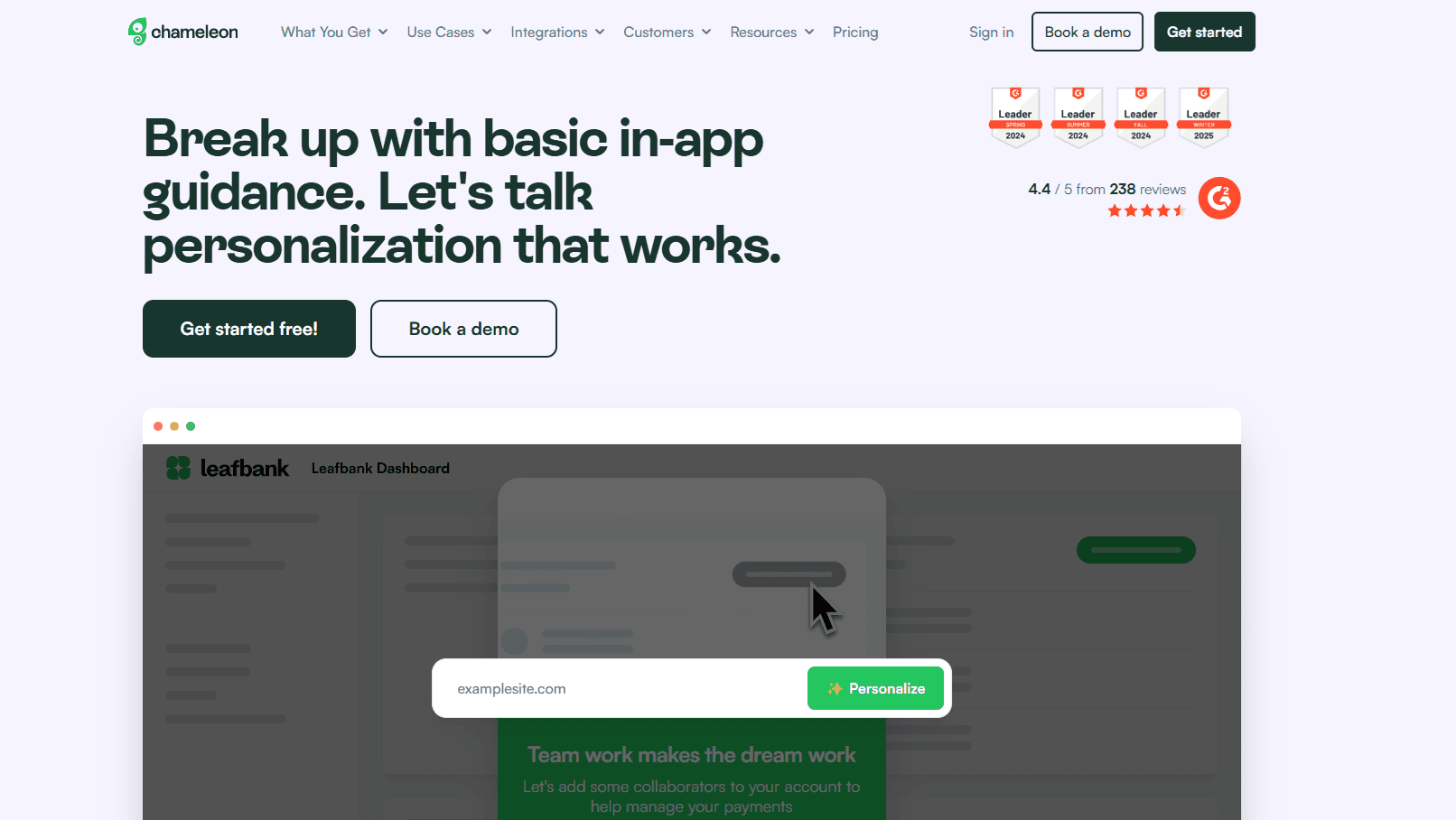
Highly personalized in-app experiences based on real user behavior help Chameleon stand out from other product onboarding tools. It combines onboarding tours, checklists, tooltips, surveys, and AI-driven insights in one platform. Its strong segmentation, A/B testing, and customization options let teams target users precisely and optimize experiences continuously.
Key features
Product tours for step-by-step feature guidance
Checklists to drive user activation and completion
Tooltips and in-app messages for contextual help
NPS and microsurveys for tracking for measuring customer satisfaction
A/B testing to optimize onboarding flows
Advanced segmentation for targeted user experiences
Analytics and performance tracking for onboarding results
Pros and cons
It’s easy to use, intuitive, and customizable with solid features and support, but has a learning curve, occasional bugs, and pricey plans.
Pricing
Chameleon is relatively expensive, starting at $279/month for Startup, $15K/year for Growth, and custom pricing for Enterprise, with costs increasing quickly as you scale features, users, and advanced capabilities.
Ratings
4.4 stars on G2
3.9 stars on Capterra
9. UserPilot
SaaS businesses use Userpilot to turn user behavior into actionable product decisions. Teams build onboarding flows, in-app messages, and surveys to guide users at key moments and reduce drop-offs.
Product managers use analytics and session replay to understand where users struggle and improve UX without guesswork. It also supports segmentation, allowing companies to tailor experiences for different user groups. By combining engagement, feedback, and behavior tracking in one tool, SaaS teams can continuously experiment, improve activation, and align product changes with real user needs.
Key features
In-app messaging including tooltips, modals, and checklists
Product analytics to track user behavior and engagement
Session replay to visualize real user interactions
In-app surveys and feedback collection tools
Segmentation for targeted, personalized user experiences
Feature tagging and event tracking for deeper insights
Experimentation tools for optimizing onboarding flows
Pros and cons
Cons include a steep learning curve, limited customization, some functional limitations, and it can feel expensive. However, it’s very easy to set up and use, intuitive, and backed by strong customer support that users find helpful and reliable.
Pricing
Pricing starts at $299/month for Starter, with usage limits, while its Growth and Enterprise plans offer custom pricing for large-scale, advanced product engagement needs.
Ratings
4.6 stars on G2
4.6 stars on Capterra
10. UserFlow
As an AI onboarding software, Userflow uses its FlowAI layer to understand user behavior, identify friction points, and guide users in real time. Instead of static onboarding flows, it adapts experiences based on user actions.
FlowAI helps teams build onboarding faster, assist users instantly, optimize content automatically, and localize experiences at scale. It combines product tours, checklists, surveys, and resource centers with AI-driven insights and assistance, making onboarding more personalized, automated, and continuously improving without heavy developer involvement.
Key features
In-app guided walkthroughs and interactive product tours for onboarding and adoption
Contextual tooltips and pop-ups for real-time help
Self-service help and embedded knowledge base
Workflow automation support for complex tasks
Product simulations for hands-on learning experiences
AI-driven insights for improving adoption strategies
Multi-language support for global users
Pros and cons
Pros include easy setup, smooth implementation, flexible use, and responsive support. However, users note gaps in functionality, weak reporting, limited features, tricky customization, and pricing that may feel high for smaller teams.
Pricing
Starts at $240/month for Startup, $680/month for Pro, with Enterprise custom pricing based on scale, users, and advanced requirements.
Ratings
4.8 stars on G2
4.8 stars on Capterra
11. WalkMe
WalkMe outperforms many onboarding tools because it works across all enterprise apps, not just one product. It understands screen context, guides users in real time, and automates workflows inside tools like CRM, HR, and IT systems.
Unlike basic onboarding tools, it helps users complete entire tasks, not just learn features. It also measures adoption and ROI, so companies can prove impact. This makes it ideal for large organizations that need deep workflow automation, cross-app guidance, and measurable business outcomes, not just simple in-app tours.
Key features
Application usage tracking to monitor how users interact with software
Workflow analytics to identify friction and optimize processes
Form analytics to improve completion rates and reduce errors
Guidance creation tools for building in-app help experiences
Workflow automation and accelerator to streamline tasks and speed up user actions inside apps
In-app guidance for step-by-step user support
Conversational interface for AI-powered user assistance
Pros and cons
It’s powerful and feature-rich, but users often report a steep learning curve and limited customization, especially during early setup and training.
Pricing
Custom quotes are available on request.
Ratings
4.5 stars on G2
4.4 stars on Capterra
How to choose the right product onboarding tool
Choosing the right product onboarding tool comes down to how well it fits your product, team, and growth goals. The right choice should help users understand value quickly without creating extra complexity for your team.
Ease of use: Look for a tool that your team can actually use without heavy training or developers. If building tours or checklists feels slow, adoption inside your company will suffer too.
Customization options: Your onboarding should feel native to your product. Check if you can adjust design, triggers, and user flows to match your UI and user journey.
Analytics and insights: Good onboarding tools don’t just guide users. They show what’s working. Prioritize tools with clear analytics on completion rates, drop-offs, and engagement.
Integration with your stack: Make sure it connects with tools like your CRM, analytics platform, or data warehouse. This helps you build smarter, behavior-based onboarding.
Personalization capabilities: Onboarding works best when it adapts to user behavior. Choose tools that support segmentation and dynamic experiences.
Scalability: Think long-term. The tool should handle more users, products, and teams as you grow without breaking workflows.
Pricing and value: Compare pricing against features you’ll actually use. Some tools look cheap upfront but become expensive as usage grows.
Support and documentation: Strong customer support and learning resources can save a lot of time during setup and optimization.
Implementation speed: Faster setup means faster results. Some tools require code-heavy setup, while others can be launched in hours.
Team and product fit: Choose a tool that matches your team’s technical skill, your product’s complexity, and user base size. Simple tools work best for small teams and quick setup, while advanced platforms are better for larger products that need deeper customization and personalization.
User experience quality: The onboarding itself should feel smooth for your users. That means non-intrusive, helpful, and timely, instead of overwhelming or annoying.
Product onboarding tool comparison table 2026
p>Tool/p> | p>Key Strength/p> | p>Best For/p> | p>Pricing Style/p> | p>Key Limitation/p> |
p>Produktly/p> | p>All-in-one onboarding + feedback tools (tours, checklists, roadmap)/p> | p>Small teams wanting simple no-code onboarding/p> | p>$19–$199/month/p> | p>Lacks enterprise-level depth/p> |
p>Pendo/p> | p>Deep product analytics + onboarding + AI insights/p> | p>Data-driven product teams/p> | p>Free + custom pricing/p> | p>Complex and hard to learn/p> |
p>Flook/p> | p>Fast, no-code onboarding setup/p> | p>SaaS teams needing quick launch/p> | p>$49 lifetime beta deal/p> | p>Early-stage, limited advanced features/p> |
p>Appcues/p> | p>Personalized onboarding across in-app, email, mobile/p> | p>Growth-focused SaaS teams/p> | p>Custom pricing/p> | p>Some UX and feature limitations/p> |
p>Jimo/p> | p>AI copilot that guides users and completes steps in-app/p> | p>B2B SaaS teams wanting AI-native onboarding/p> | p>$249–$499/month + enterprise/p> | p>Web-only; not for mobile or internal enterprise training/p> |
p>Userorbit/p> | p>Onboarding, feedback, roadmap, and analytics in one workspace/p> | p>Lean product and growth teams reducing tool sprawl/p> | p>$95–$249/month + enterprise/p> | p>Newer platform with a smaller review footprint/p> |
p>UserGuiding/p> | p>Easy onboarding + strong self-service tools/p> | p>SMBs needing quick implementation/p> | p>Free + $174–$349/month + enterprise/p> | p>Limited customization/p> |
p>Chameleon/p> | p>Highly personalized onboarding + strong segmentation/p> | p>Teams focused on UX optimization/p> | p>$279/month+/p> | p>Expensive and has learning curve/p> |
p>Userpilot/p> | p>Behavior-driven onboarding + analytics + session replay/p> | p>Product-led SaaS teams/p> | p>From $299/month/p> | p>Can be expensive + learning curve/p> |
p>Userflow/p> | p>AI-powered adaptive onboarding (FlowAI)/p> | p>Teams wanting smart automation/p> | p>$240–$680/month + enterprise/p> | p>Reporting gaps + customization issues/p> |
p>WalkMe/p> | p>Cross-app workflow automation + enterprise AI guidance/p> | p>Large enterprises/p> | p>Custom pricing/p> | p>Very complex and heavy to implement/p> |
FAQs
What are product onboarding tools?
Product onboarding tools are software solutions that help guide new users through a product using tours, tooltips, checklists, and in-app messages. They simplify the learning process and help users understand features quickly without needing external support or training.
What are product onboarding tools used for?
They’re used to improve user activation, adoption, and retention by guiding users to key actions. These tools reduce confusion, highlight important features, and deliver contextual help, ensuring users reach value faster and continue engaging with the product.
Are product onboarding tools free?
Some product onboarding tools offer free plans with basic features and usage limits, making them suitable for small teams. However, most advanced features like analytics, personalization, and scalability are only available in paid plans or custom-priced tiers.
Previous post: